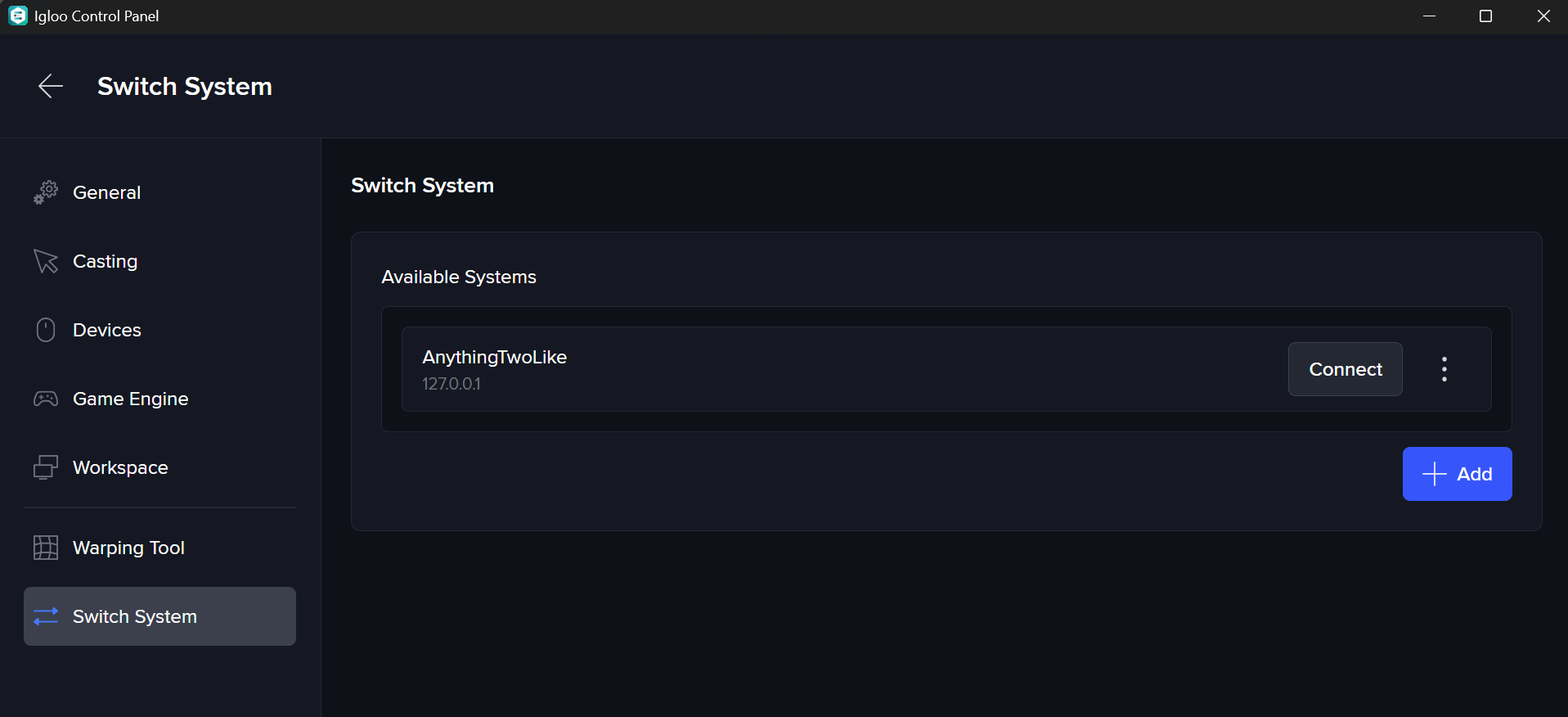
The device running Igloo Control Panel must be on the same network as the Igloo Media Player.
When Igloo Control Panel launches, it automatically scans for available Igloo Media Players (IMPs) on the network.
In most cases, only a single system will be available, and Control Panel will connect to it automatically.
If multiple systems are present on the same network, you can manually select which one to connect to:
-
Open Settings > Switch System
-
Choose a system from the list of available devices
-
Or enter the IP address of a specific Igloo Media Player