
The Igloo Kuula Viewer enables viewing and navigation of Kuula virtual tours in an immersive space.
Overview
The viewer is implemented as a local web-based service and is included in the Igloo Core Service.
A 360 view of a Kuula tour is provided using a Composition layer in Igloo Core Engine to build a cubemap.
The viewer’s control page allows navigation of a space using a mobile device.
A single frame view allows use of Kuula in non-360 modes - (i.e. a single wall of an immersive room), and there’s easy support for <360 degree immersive projection surfaces.
There’s also a favourites system for Kuula tours, allowing easy management of a collection of saved spaces for rapid viewing, as well as a one-click integration with any Kuula tour embedded into a native website (no changes necessary - just click a bookmark and be taken straight to any Kuula tour).
Kuula session
A Kuula session is included in the example database. This consists of a single layer giving a full canvas view of the current Kuula tour. The space can be navigated using the app in Igloo Control Panel.
Igloo Control Panel App
The control page allows selection of scenes in a Kuula tour, and also allows navigation to other tours. It’s accessible at http://localhost:800/kuula/control/ in Chrome, or at the same port/page on mobile devices using the media server’s local IP (e.g. http://10.0.0.1:800/kuula/control/).
View tours and panoramas from Kuula in Igloo Core Engine.
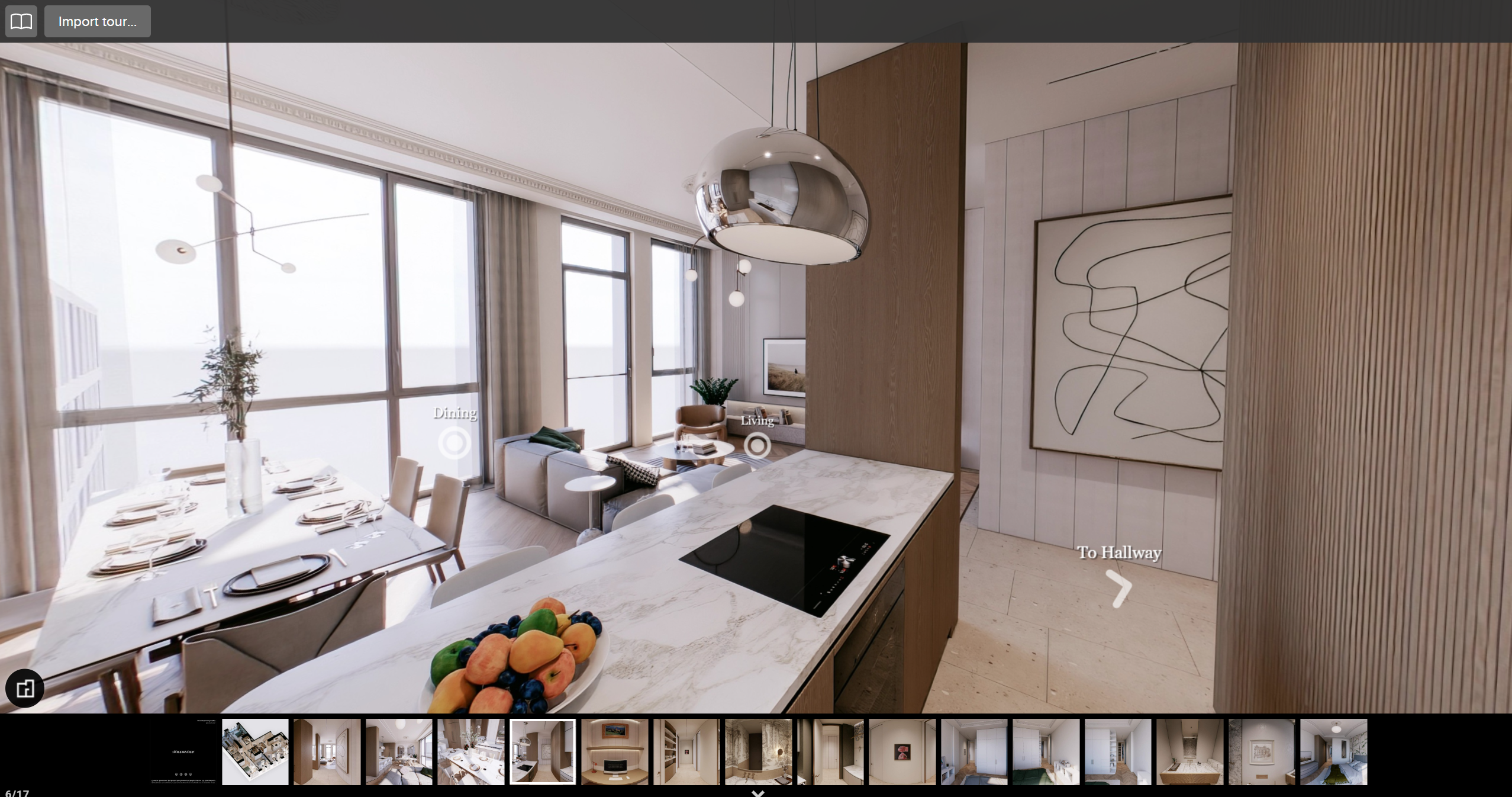
Usage
Any changes to location within a tour are updated on all connected viewers.
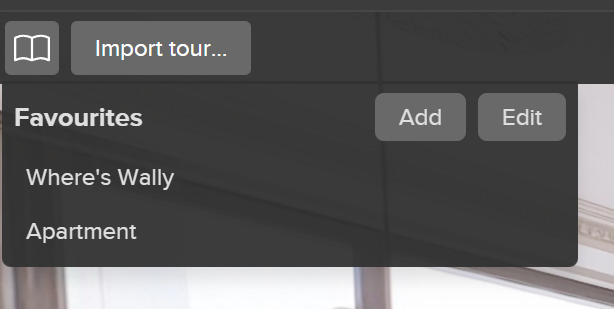
Add, load, and edit favourites using controls; loading a favourite tour will update all connected viewers.
Load a new tour with “Import tour…”
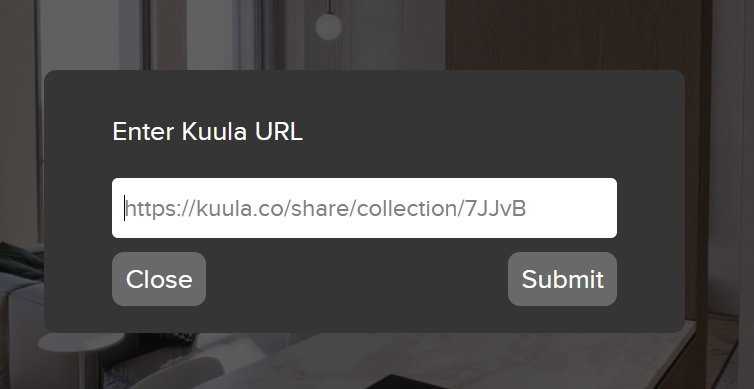
If the URL points to a valid Kuula tour or post, it’ll be loaded and all connected viewers will be updated.
Configuration
Endpoints
-
Control page - http://localhost:800/kuula/control (or configured Control Panel browser).
-
viewFrame - http://localhost:800/kuula/viewFrame (single frame view, or composited into equirectangular) (or use pre-made Igloo Core Engine session).
Control Panel application is configurable with key "kuula" - see instructions here.
Igloo Core Engine session is included in the example set. It’s a composition using 6 viewFrame WebViews.
URL parameters
The control page takes no parameters
viewFrame
-
heading- camera heading. -
pitch- camera pitch. -
tourId- URI encoded tour URL to load on startup.
e.g. http://localhost:800/viewFrame/?heading=90+pitch=-90.