
A Google Maps API key is required to pull image/street view requests from Google Maps. Without the key, Streetview (as viewed through Igloo Core Engine) may either be labeled with “For development purposes only” or be coloured in grayscale.
The API key can be obtained from this page:
https://console.cloud.google.com/apis/dashboard
This ought to prompt for a login, for the purposes of this document, an account with no existing API services will be used.
The dashboard appears as follows:
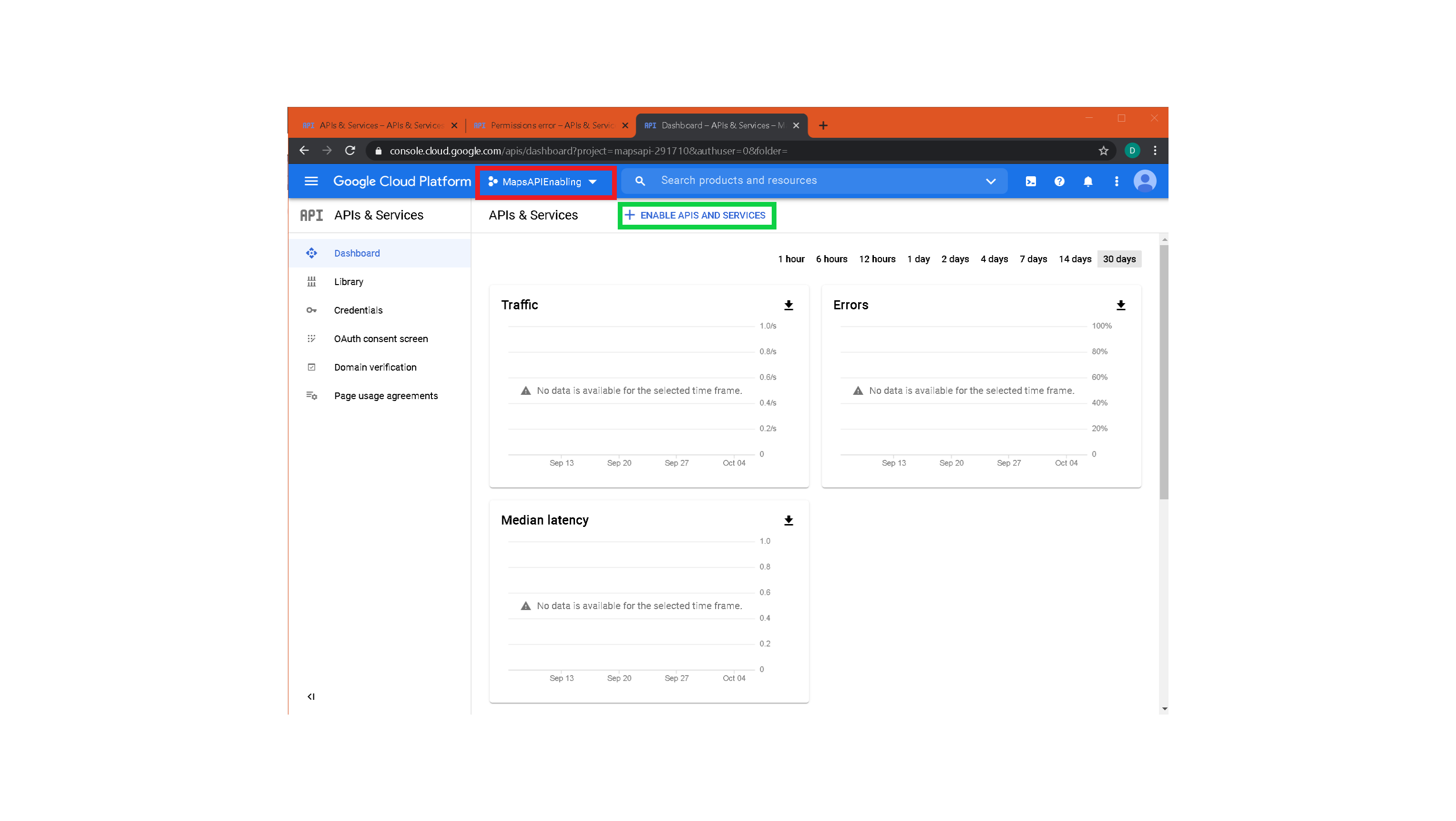
There are a lot of menus on the Google Cloud platform. To return to the dashboard at any time, select the three bars in the top left of the webpage and select APIs and services → Enabled APIs and Services.
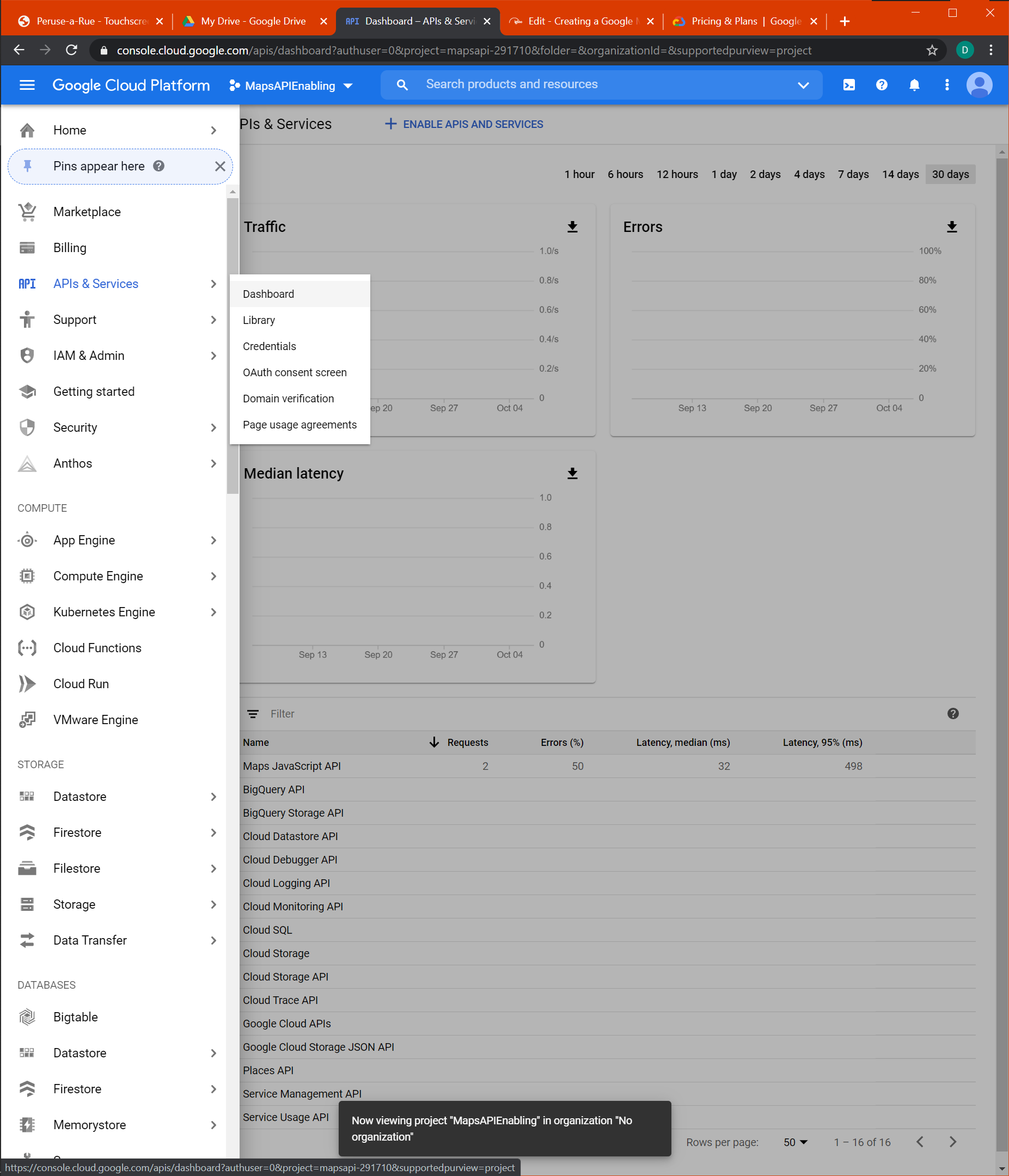
First, create a project using the highlighted dropdown, then select ENABLE APIS AND SERVICES which will open the API Library. Search for Maps:
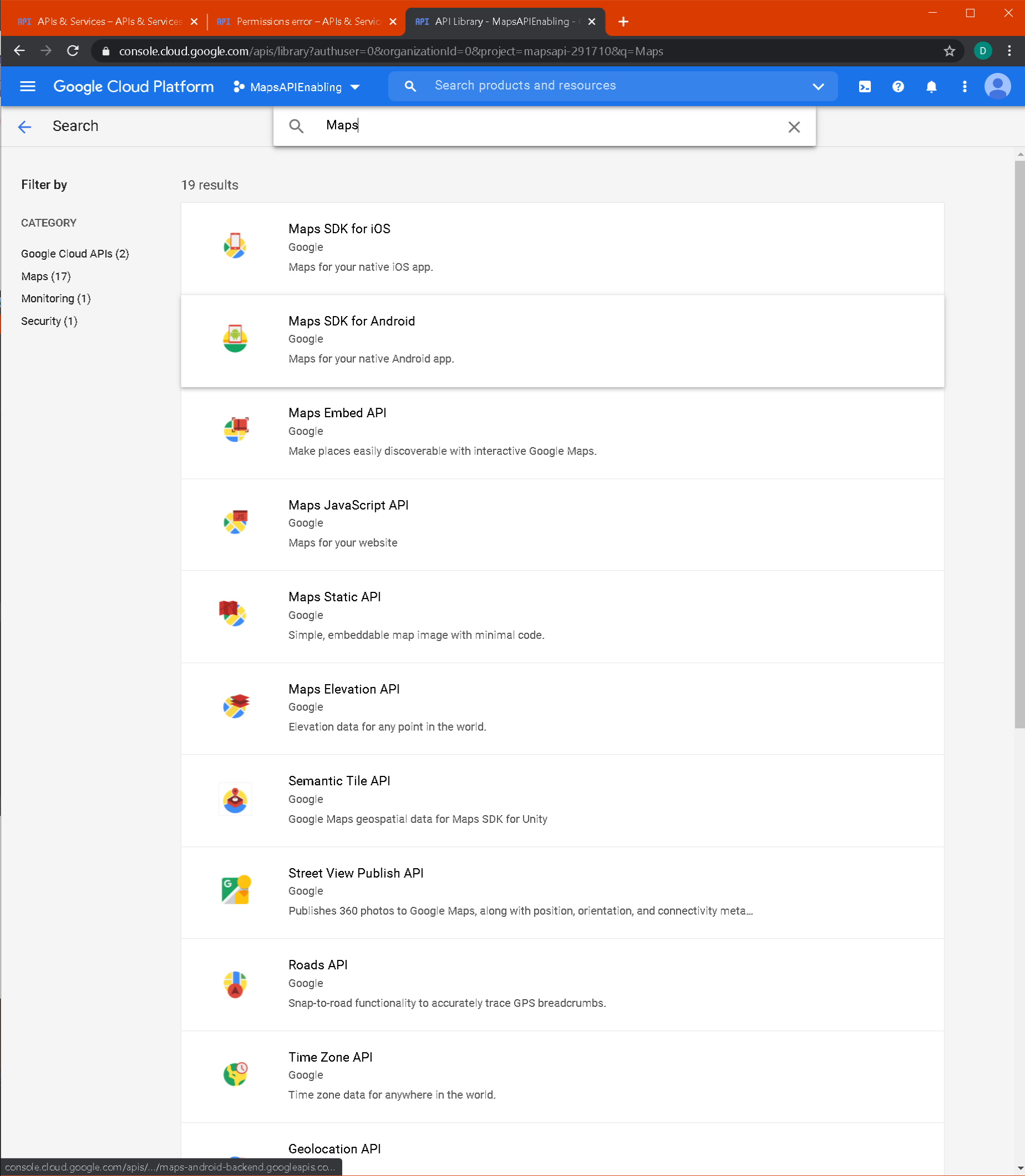
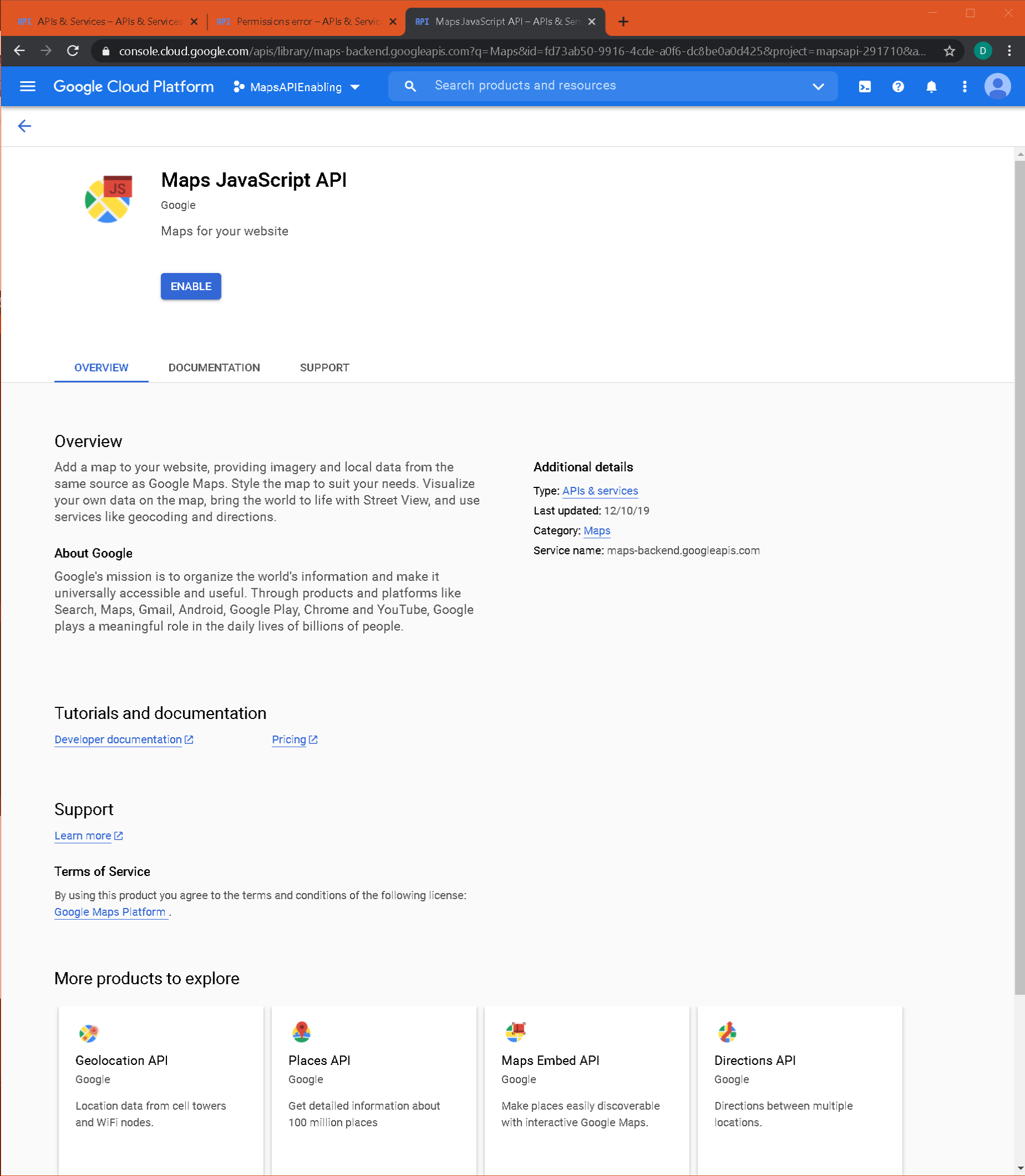
The three required APIs are the Maps JavaScript API, the Directions API and the Places API. Click each and select enable:
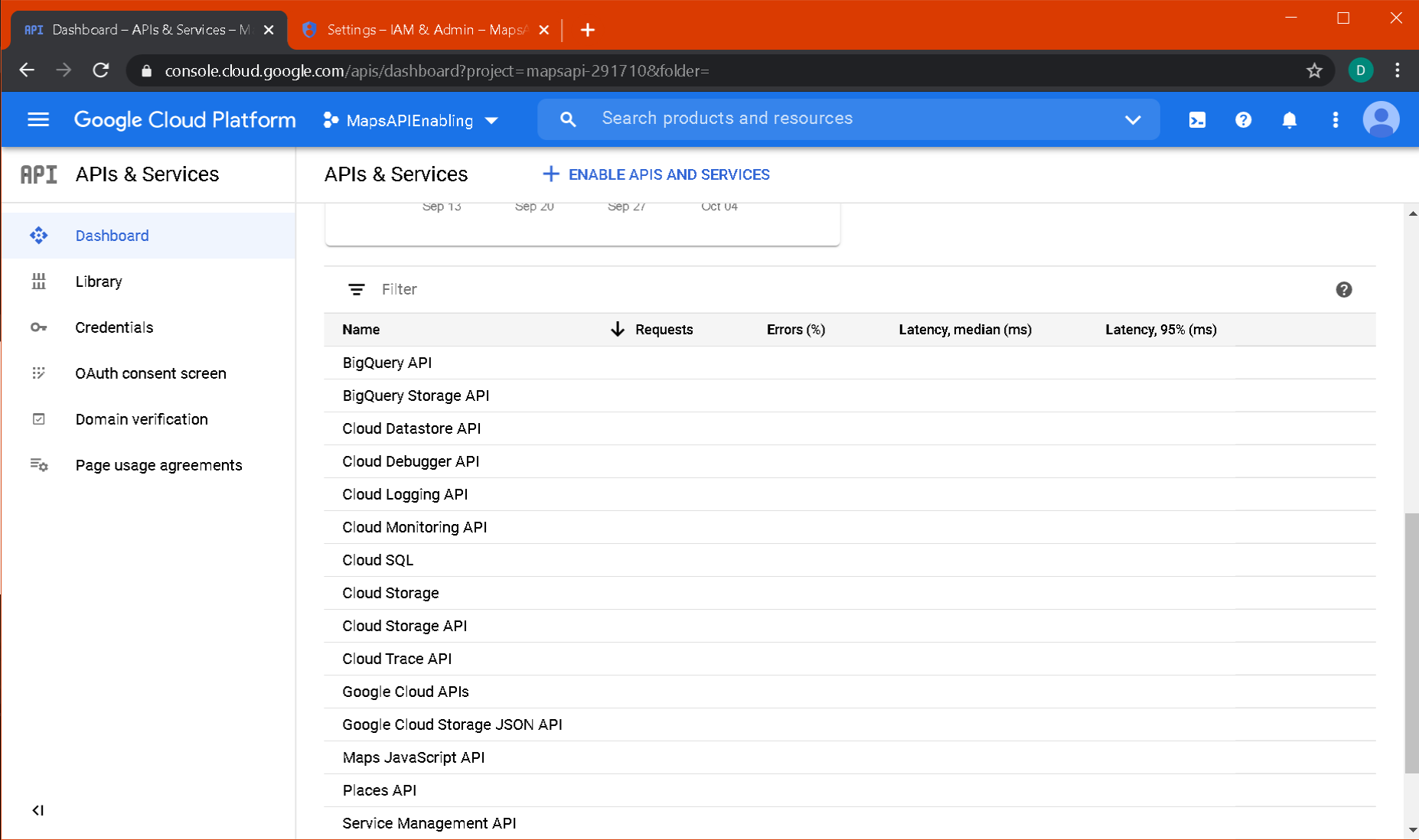
Once all three APIs have been enabled, return to the dashboard. The APIs should be listed:
Select Credentials from the sidebar. Select Create Credentials and choose API Key. Once completed, the API Key will appear in the credentials list:
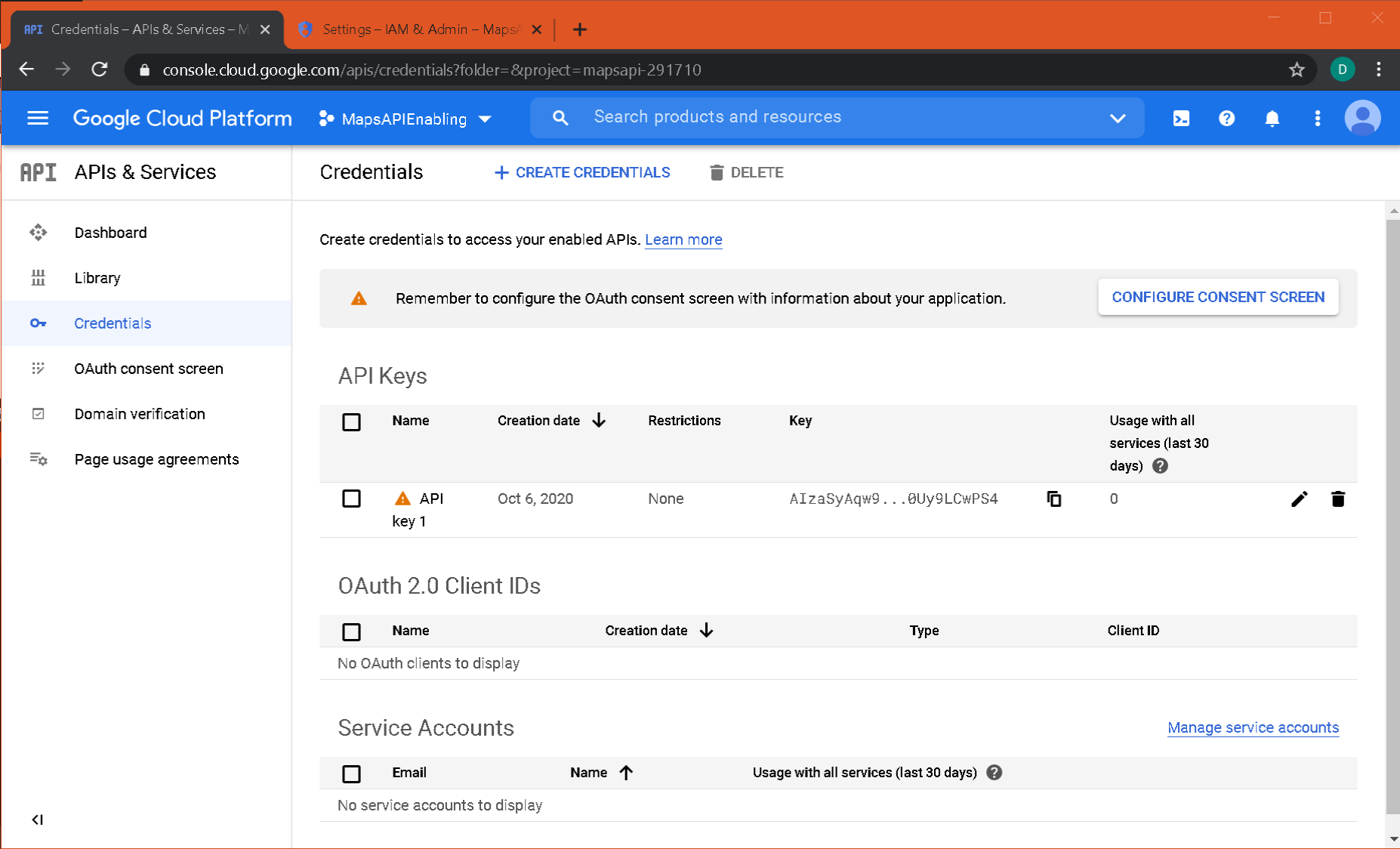
The API key will look something like this:
AIzaSyGqw4tO_-1x_4-wjNyasqzxD2Uy9LCwPS4
Finally, billing must be enabled for the project.
This is mainly targeted at large corporations making use of the API, and Google, at the time of writing, provides the first $200 USD of maps calls for free each month. More information found here: https://cloud.google.com/maps-platform/pricing
Dynamic streetview, as of 6/10/20 is costed at $14 per 1000 requests. With Streetview in Igloo Web, and a browser for control, each “move” generates a number of request as multiple browsers are used to create the 360 degree environment. On a typical setup, this should grant roughly 1500 free panos a month. Different configurations may decrease the number of free panos per month. Igloo Vision are not responsible for any costs accrued as a result of using the API key
Select the three bars in the top left of the page, and click on Billing:
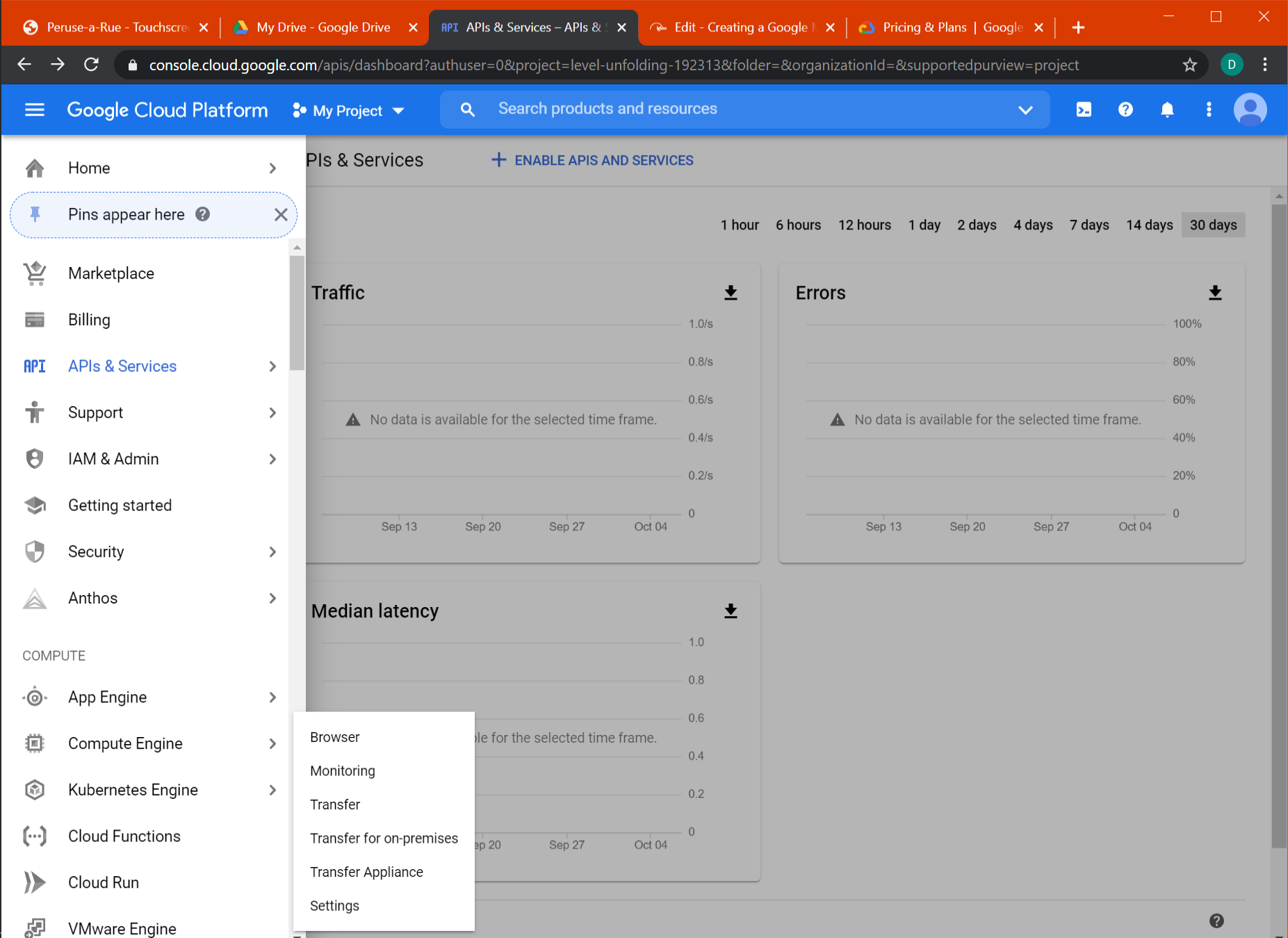
There, it should prompt the linking between project and billing account. Create a billing account, make the link and the key should then be active for use.
The key will still need to be included in the files for the application used to display Google Streetview.
In the C:\igloo\igloo-core-service folder, edit the config.json file and enter the key. Save the file and restart the igloo-core-service service.
"streetview": {
"apiKey": ""
},