
The device running Igloo Control Panel must be on the same network as the Igloo Media Player.
When Igloo Control Panel launches, it automatically scans for available Igloo Media Players (IMPs) on the network.
In most cases, only a single system will be available, and Control Panel will connect to it automatically.
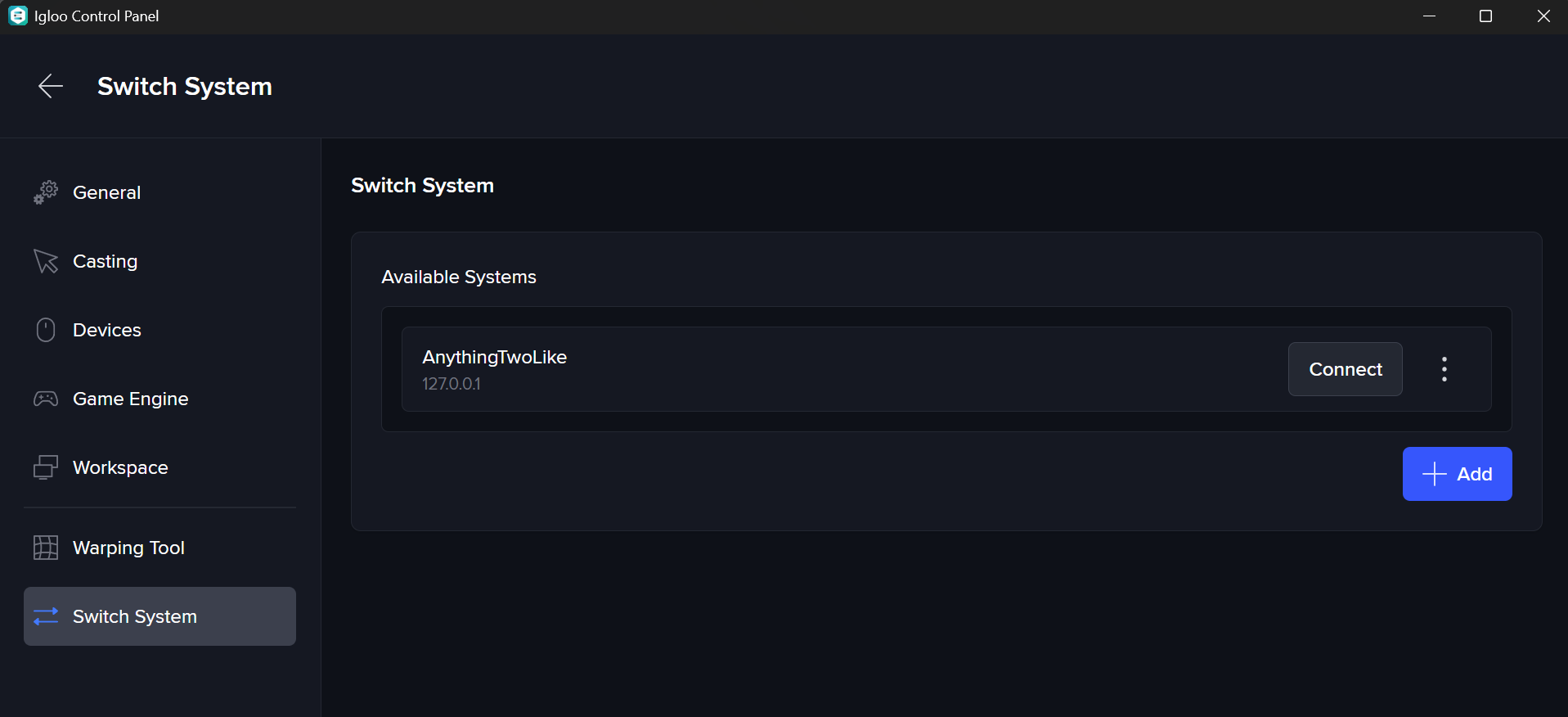
If multiple systems are present on the same network, you can manually select which one to connect to:
-
Open Settings > Switch System
-
Choose a system from the list of available devices
-
Or enter the IP address of a specific Igloo Media Player
Connection issues
Igloo Control Panel automatically finds clients on its local network to connect to. If it can’t find any, here are some steps to try and resolve the problem:
-
Ensure that your device is on the same (WiFi) network as the media server that is running Igloo Core Engine.
-
Ensure that the Igloo Core Service is running on that media server.
It’s possible that your network configuration is preventing Igloo Control Panel from discovering clients. If this is the case, you can try manually typing in the local network IP address of the machine you’d like to connect to.