
Enscape - Design, visualize, and iterate instantly inside your CAD and BIM tools. Simple to start. Easy to use. https://www.chaos.com/enscape
Chaos Cloud collaboration helps you share your work with your team and your clients. Invite them to review your images and share their feedback. This speeds up reviews, so you can get your projects done faster. https://documentation.chaos.com/space/VCLOUD/126049555/Chaos+Cloud+Collaboration
Integration
This integration is built by the Igloo Vision development team utilising the WebXR compatibility feature of Chaos Cloud. This feature is documented here: https://documentation.chaos.com/space/VCLOUD/126495776/Virtual+Reality .
The integration supports both panoramas and virtual tours.
Usage
Upload your rendered panoramas to Chaos Cloud. https://blog.chaos.com/enscape-panoramas-meet-chaos-cloud
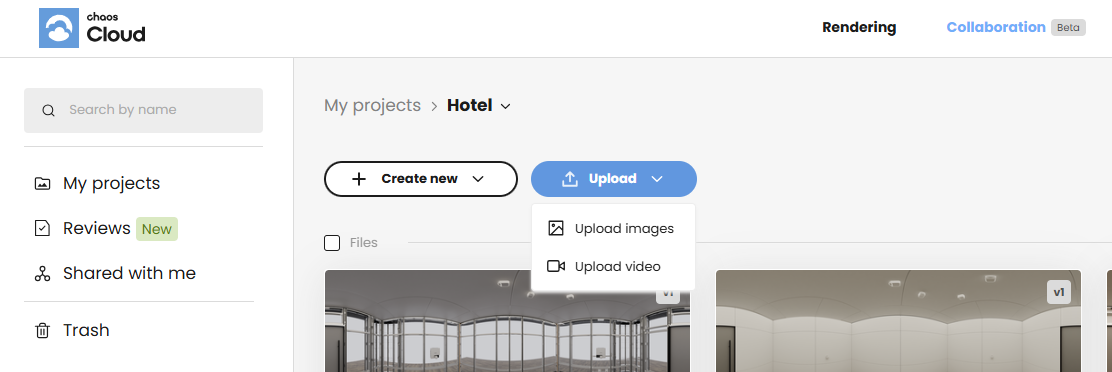
Follow these steps in Igloo Core Engine:
-
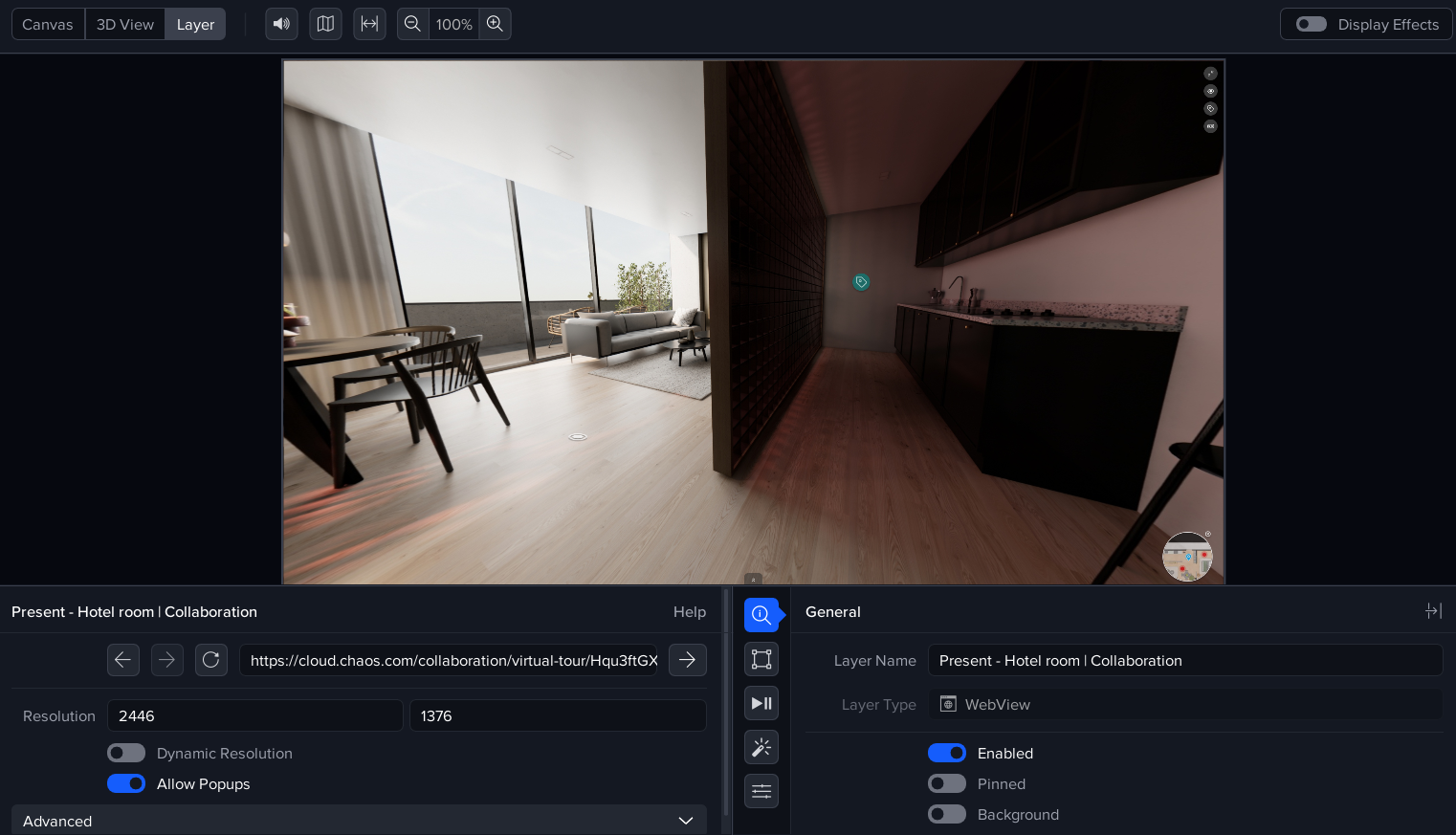
Create a WebView layer.
-
Allow popups in this layer.
-
Add the metadata keys:
-
webxr
-
webxr/cubeFaceSize - set this to an appropriate pixel resolution e.g. 1000, 1500 or 2000.
-
webxr/emulatedControllerType - set this to ‘aframe/oculus-touch’.
-
-
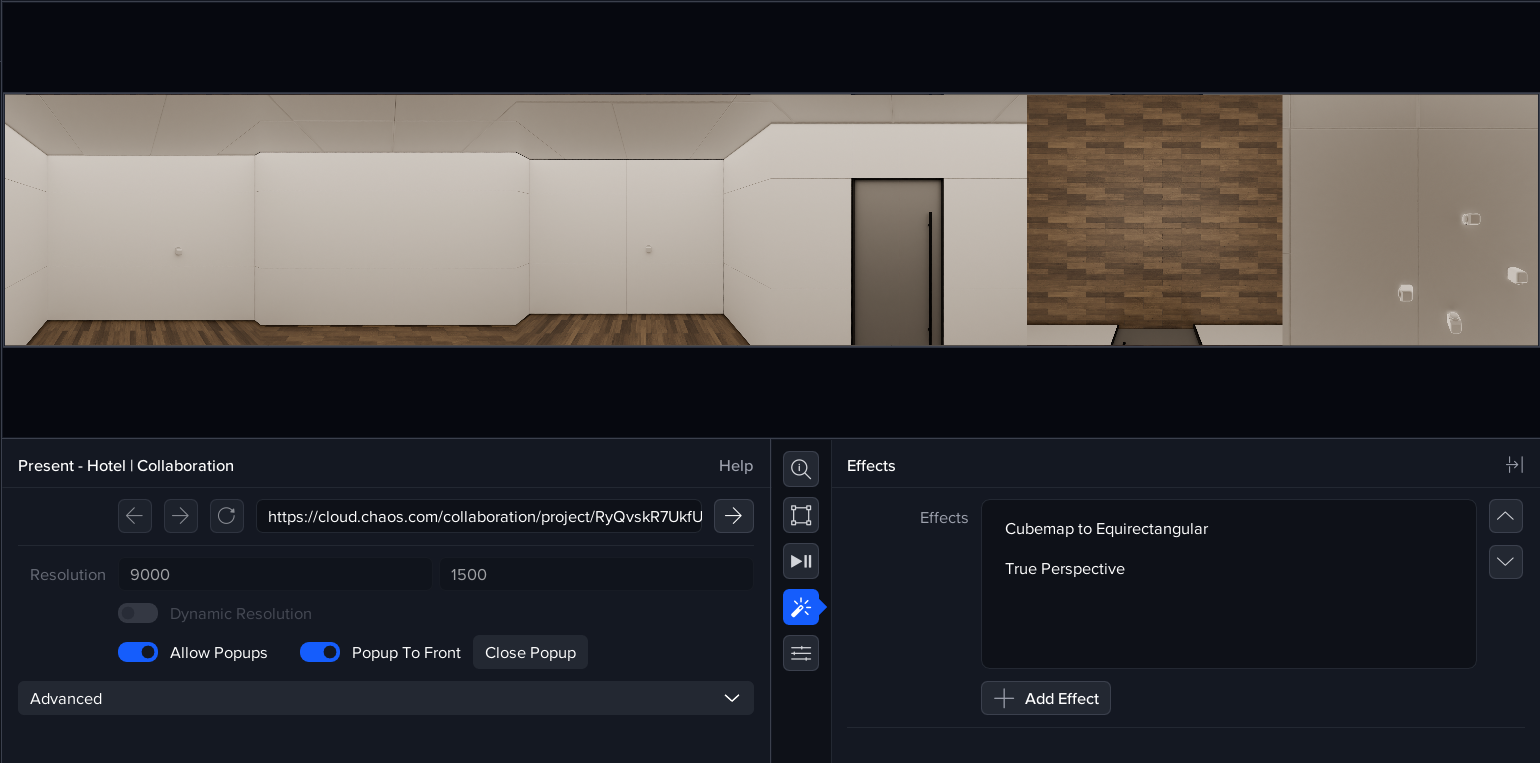
Enter cloud.chaos.com into the URL box or paste the URL of an Enscape virtual tour into the WebView URL. You will need to login to your Chaos Cloud account.
-
Save your session.
-
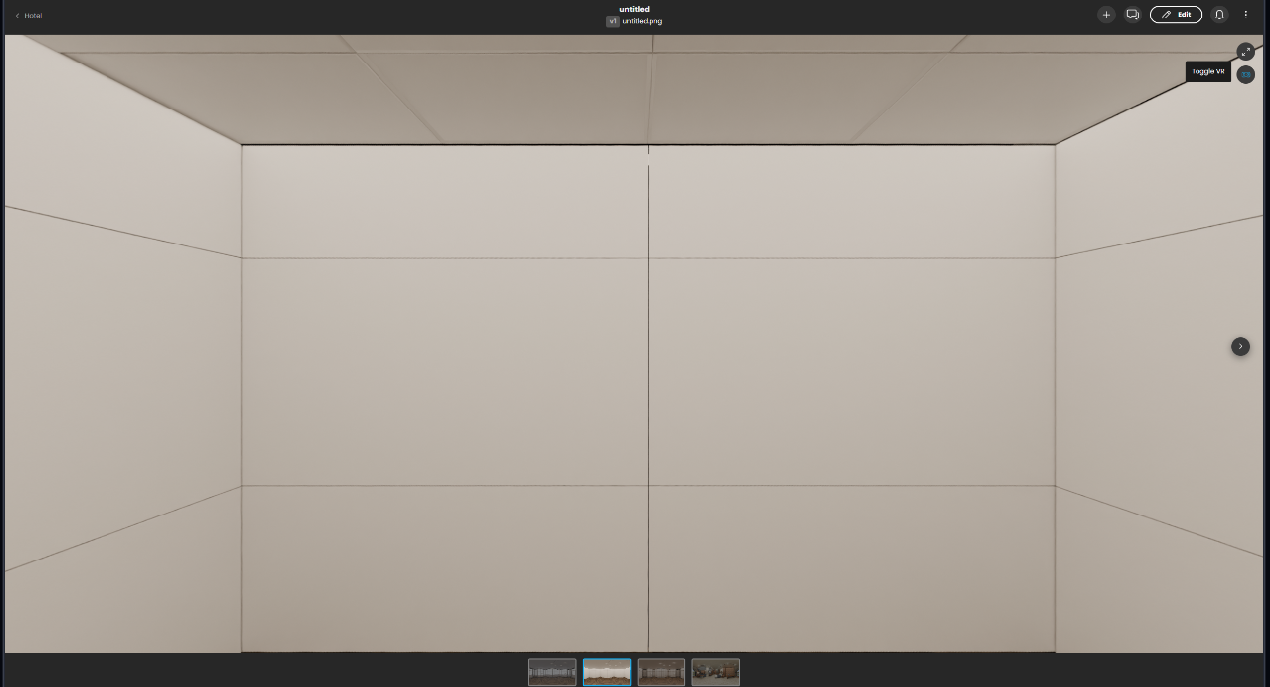
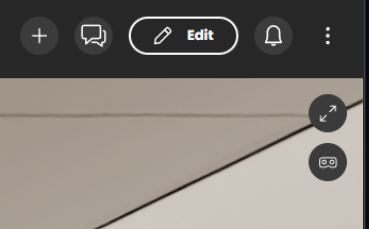
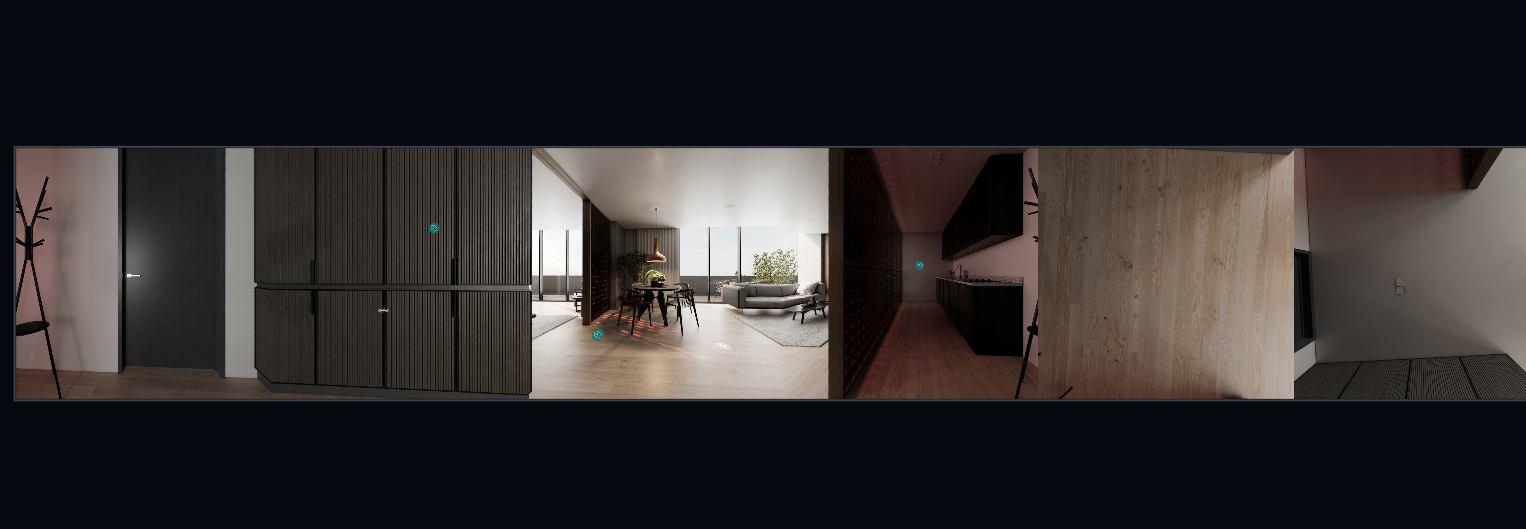
Click on an image or video, and then click the ‘Toggle VR’ button to activate the integration. The WebView layer will render the image as a cubemap and the required effects will be automatically added (Cubemap to Equirectangular and TruePerspective).
Virtual Tours
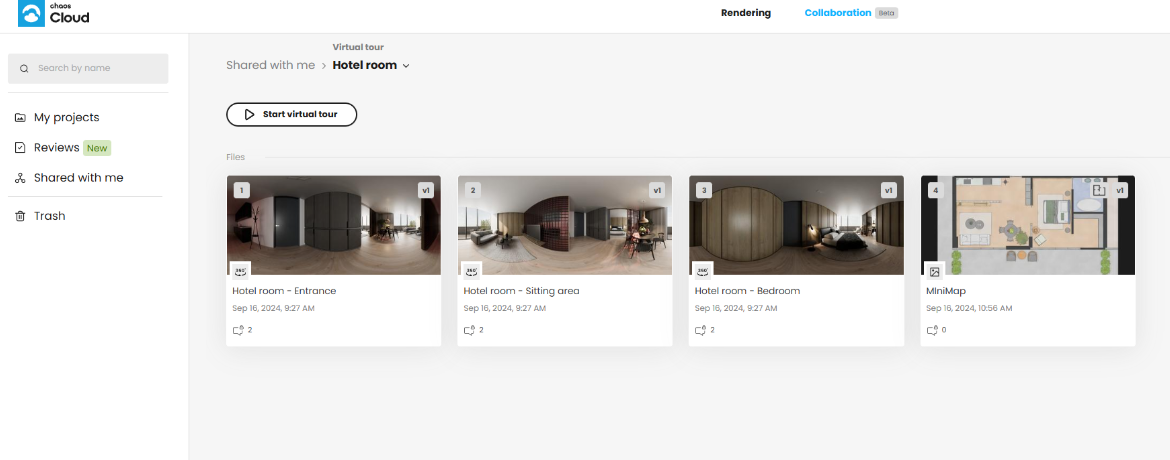
Panoramas can be grouped together into Virtual Tours complete with navigation and information hotspots. An example virtual tour (of a hotel room) in Chaos Cloud is here: https://cloud.chaos.com/collaboration/virtual-tour/Hqu3ftGXqyY6nGkwzsciNm . To enter the tour, click the ‘Start virtual tour’ button.
WebXR metadata keys
Here is a list of the metadata keys which you will need for this integration.
|
Key |
Default Value |
Description |
|---|---|---|
|
webxr |
|
Enables webxr integration. No value is required, just the metadata key. |
|
webxr/cubeFaceSize |
1000 |
Pixel size of each cubemap face. A value of 1000 will give a cubemap of 6000px x 1000px. |
|
webxr/emulatedControllerType |
aframe/oculus-touch |
Emulated controller to enable clicking of hotspots. |
I have an Issue!
For issues with the Chaos Cloud/Enscape integration, please contact myadvocate@igloovision.com or use the help desk. A ticket will be generated for you, and an appropriate member of our tech support team will contact you as soon as possible to assist you with your problem.