
https://www.viverse.com/business/en by HTC, is designed to streamline how organizations operate, enhance online collaboration, and engage effectively with their audiences.
Watch the video: https://www.youtube.com/watch?v=weTe4RBi5aU&list=PL1JC6N9u4ERiVL_aOljufD5zvw2Spl-NY&index=1
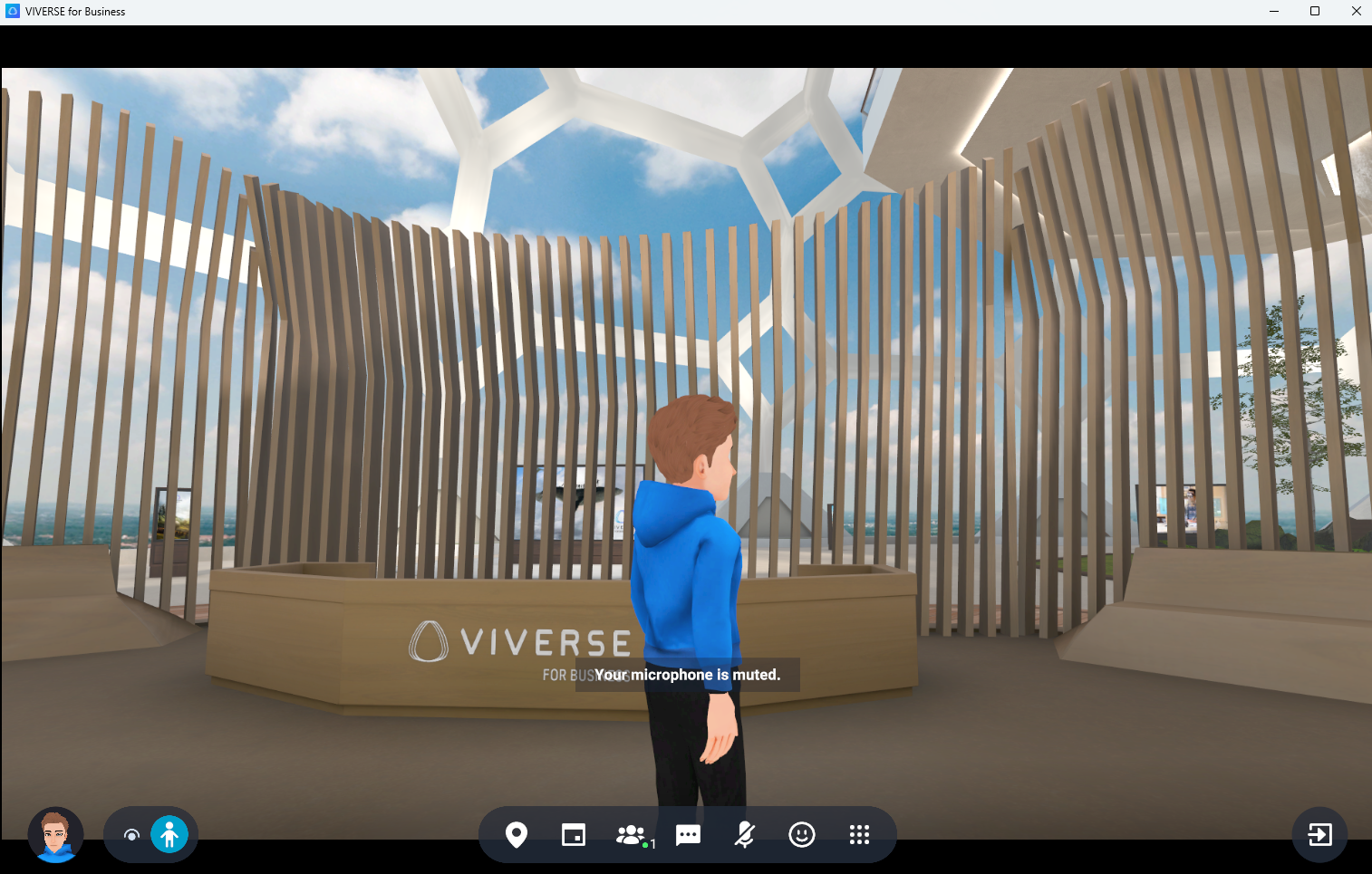
Integration
An Igloo-compatible build of Viverse for Business is available from this download link: https://assets-global.htcvive.com/static-misc/vsync/vfb/igloo/VFB_Igloo_PC.zip
The integration is developed by the Viverse development team with support from the Igloo application integration team and the Igloo Unity Plugin.
Startup
When using Viverse for Business for the first time, you will need to register for an HTC or VIVE account. The best place to do it is here
Support pages are here:
Here are two guides for getting started:
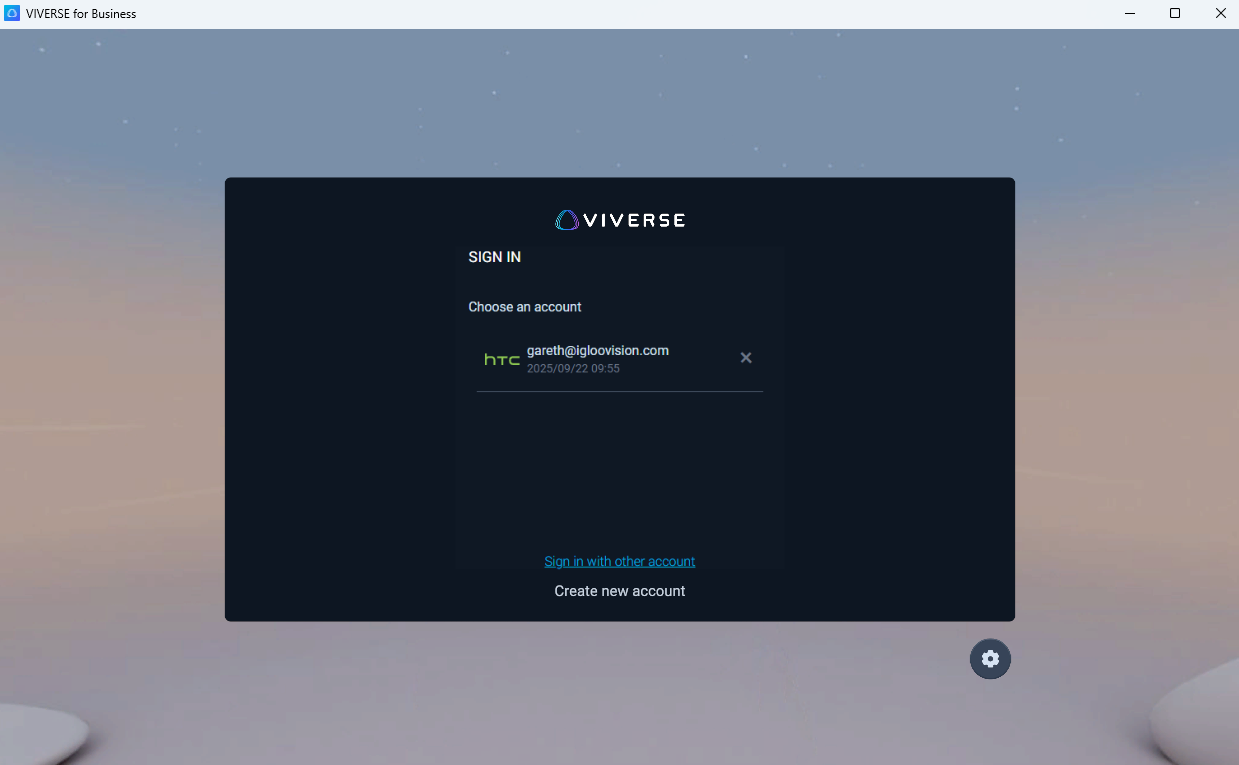
Once signed-in, you will need to select an avatar which will appear in a default space. The Viverse for Business application window will need to have focus on the Windows console in order for navigation to work.
Navigation
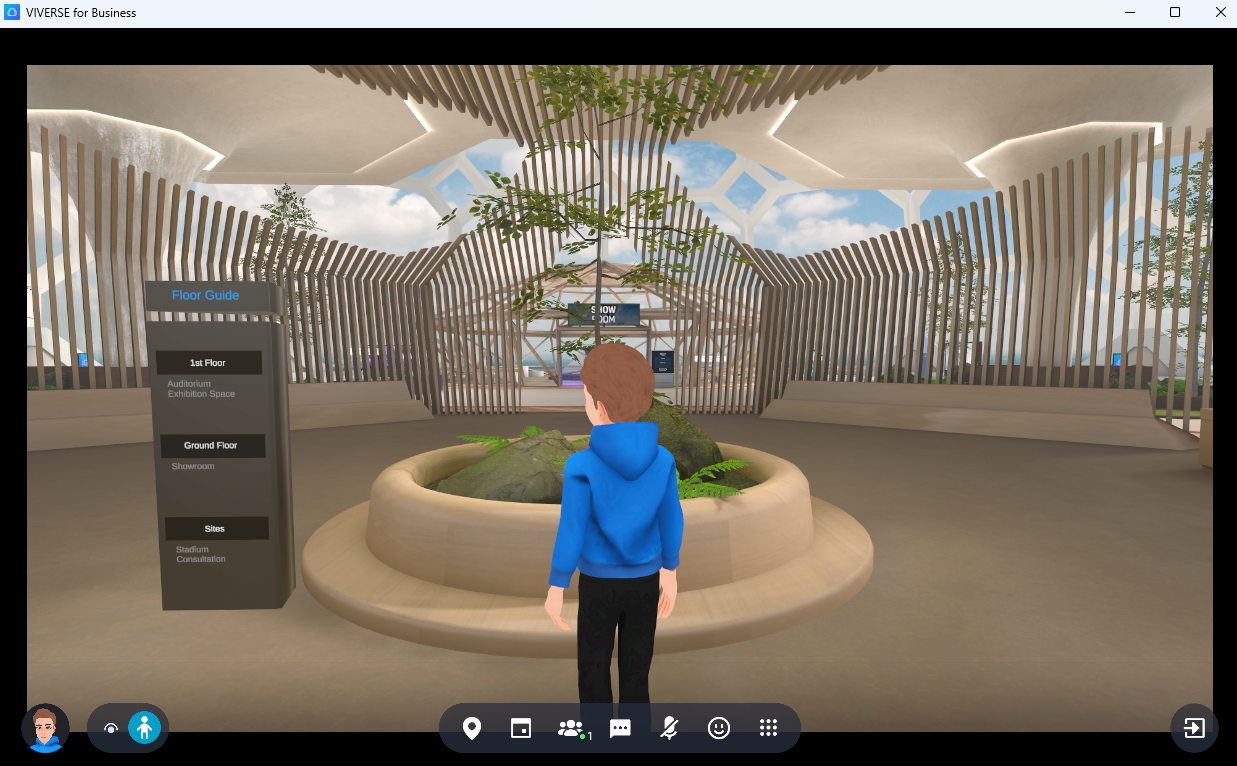
Moving around in Viverse for Business is all about moving your avatar. The view in the Igloo is the view from your Avatar’s position.
You can use the WASD keys on the console keyboard to move your avatar (W - forward, A - Left, S - Backward, D - Right).
Using the Game Controller in Igloo Control Panel, to similarly move your avatar forward, backward, left and right. Teleporting to another position can be done by moving the in-world cursor and double-tapping the A button on the Game Controller screen.
Press F3 to switch to a drone-style camera which can fly anywhere in the Viverse. The WASD keys will work together with Q and E for up and down movement. Press F3 again to switch back to the avatar view.
The Floor Guide displays in the Viverse are interactive and can be used to jump to another floor.
Settings
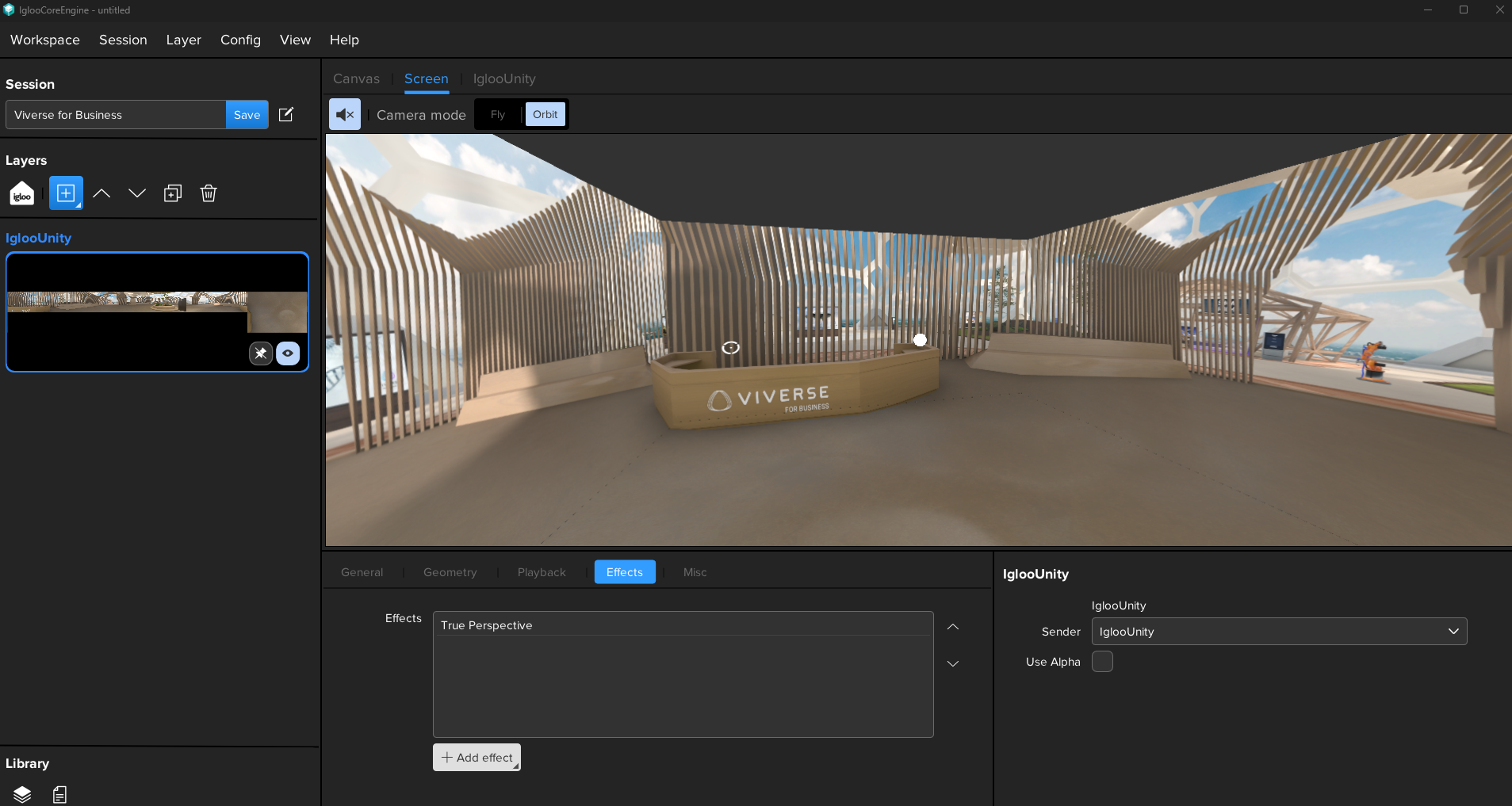
Here are the settings to apply when creating a Viverse for Business session in Igloo Core Engine:
Layer type: Spout
Spout sender name: IglooUnity
Effects: TruePerspective
Misc: exe path - path to Viverse for Business app
I have an Issue!
For issues with the Viverse for Business integration, please contact myadvocate@igloovision.com or use the help desk. A ticket will be generated for you, and an appropriate member of our tech support team will contact you as soon as possible to assist you with your problem.