
Twinmotion - Visualize spaces in intricate detail, market your design before it rolls off the production pipeline, or sell your stakeholders on your product concept. Twinmotion transforms raw 3D data into gorgeous visuals and compelling immersive experiences in less time than you thought possible.
Twinmotion Cloud - Twinmotion Cloud offers you the ability to publish immersive and interactive Twinmotion presentations, panorama sets, and configurators to the web and share them with your collaborators with a simple click on a hyperlink or by scanning a QR code.
Watch the video: https://www.youtube.com/watch?v=mo1yvehp21E
Integration
This integration is built by the Igloo Vision development team utilising the WebXR compatibility feature of Twinmotion Cloud Panorama Sets. This feature is documented here: https://dev.epicgames.com/documentation/twinmotion/panorama-sets .
Usage
Follow these steps in Igloo Core Engine:
-
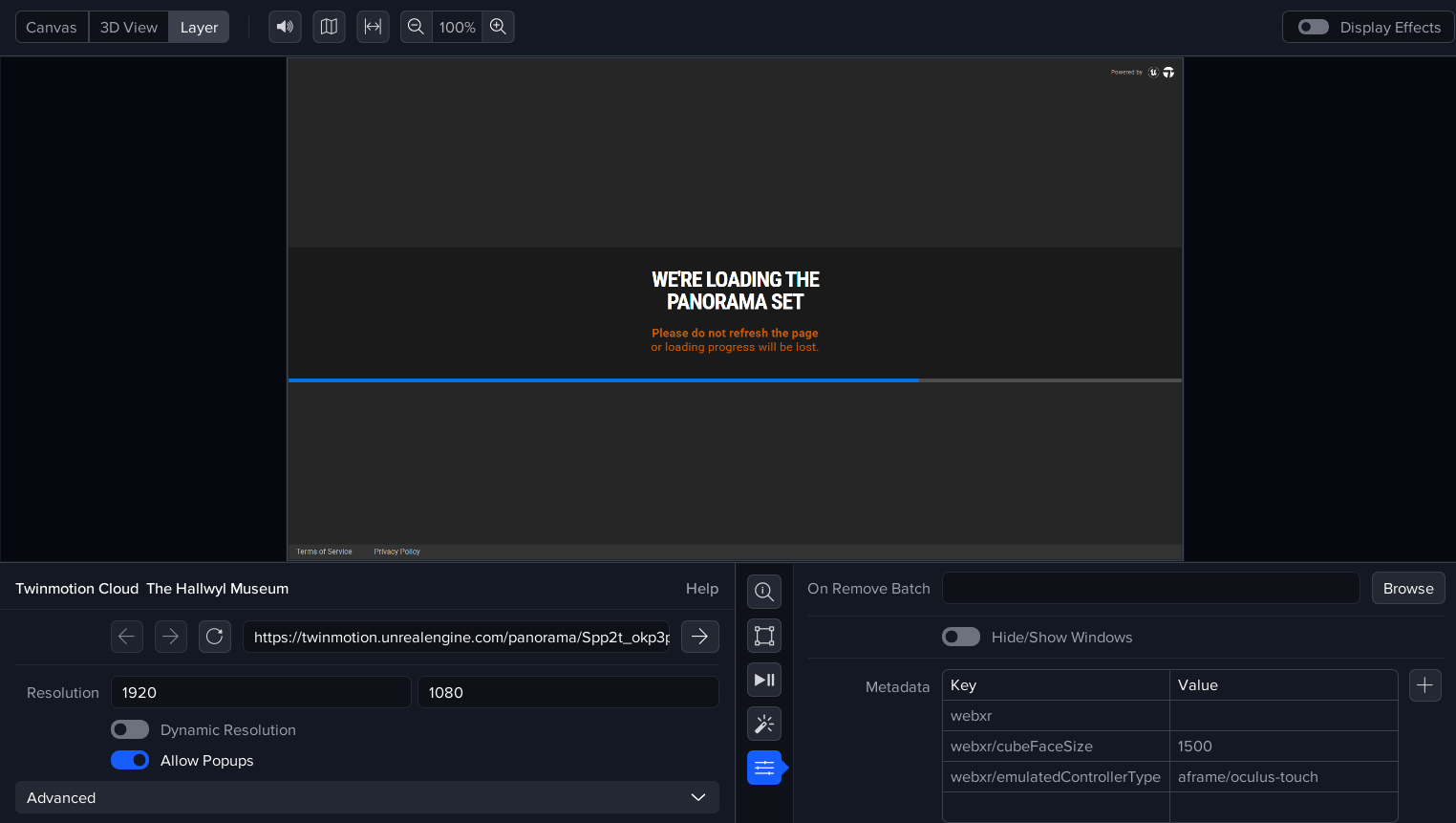
Create a WebView layer.
-
Allow popups in this layer.
-
Add the metadata keys:
-
webxr
-
webxr/cubeFaceSize - set this to an appropriate pixel resolution e.g. 1000, 1500 or 2000.
-
webxr/emulatedControllerType - set to ‘aframe/oculus-touch’. This setting is required to enable interaction and navigation of the panorama set.
-
-
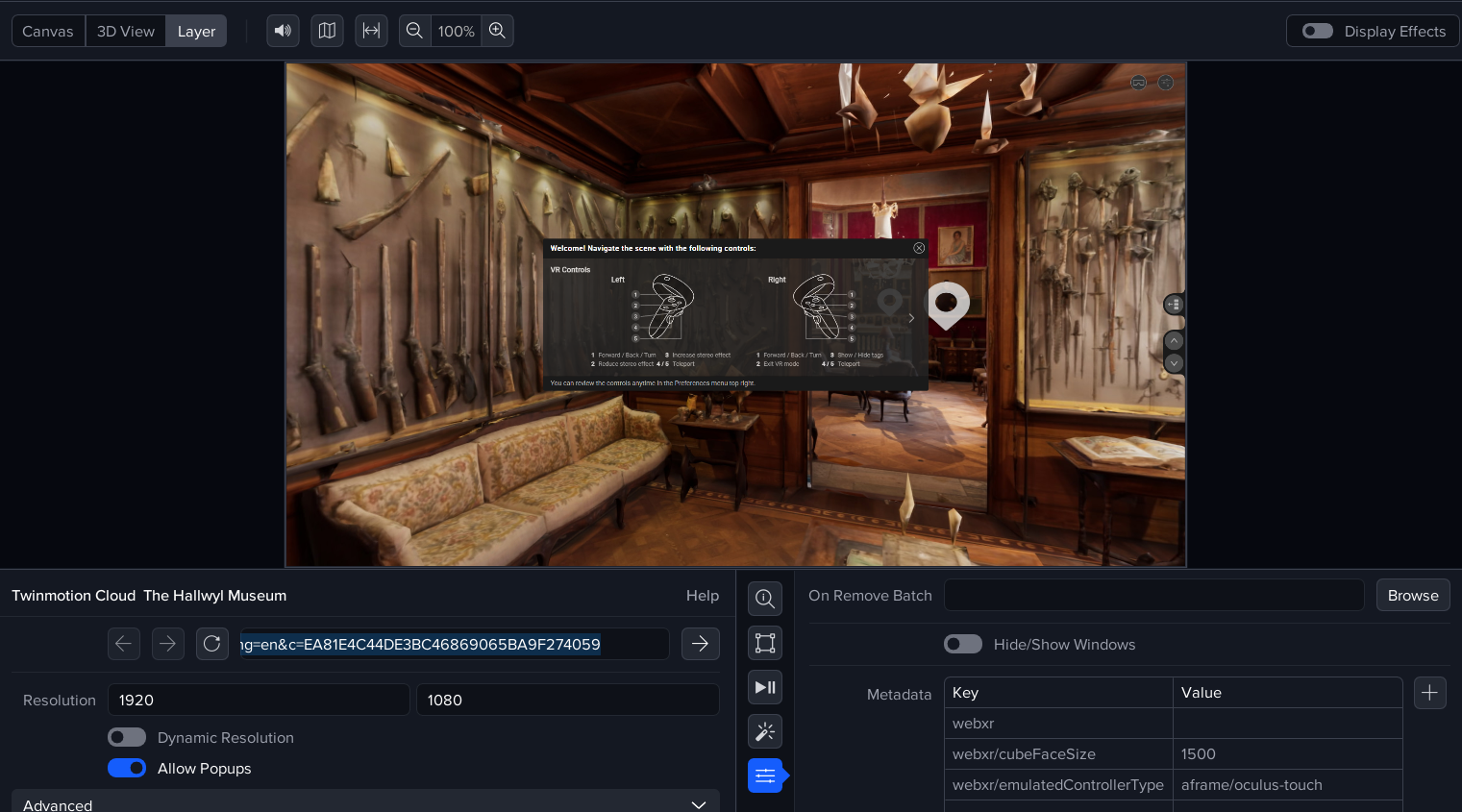
Enter the url of the panorama set into the URL box. The example below is a panorama set of the Hallwyl Museum: https://twinmotion.unrealengine.com/panorama/Spp2t_okp3potEeE?lang=en&c=EA81E4C44DE3BC46869065BA9F274059
-
Save your session.
-
Click the ‘VR Mode’ button (usually appears in the top-right) to activate the integration. The WebView layer will render the image as a cubemap and the required effects will be automatically added (Cubemap to Equirectangular and TruePerspective).
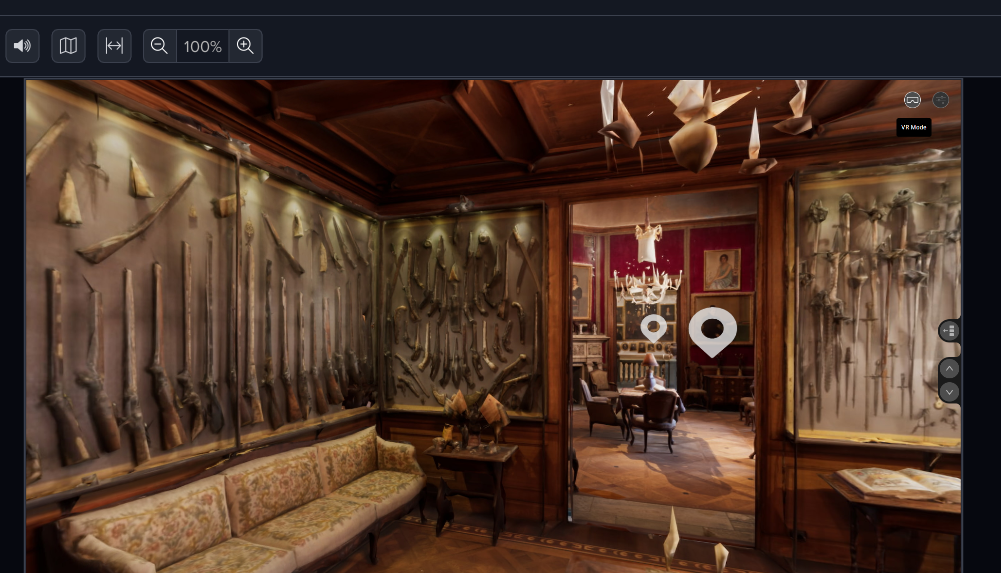
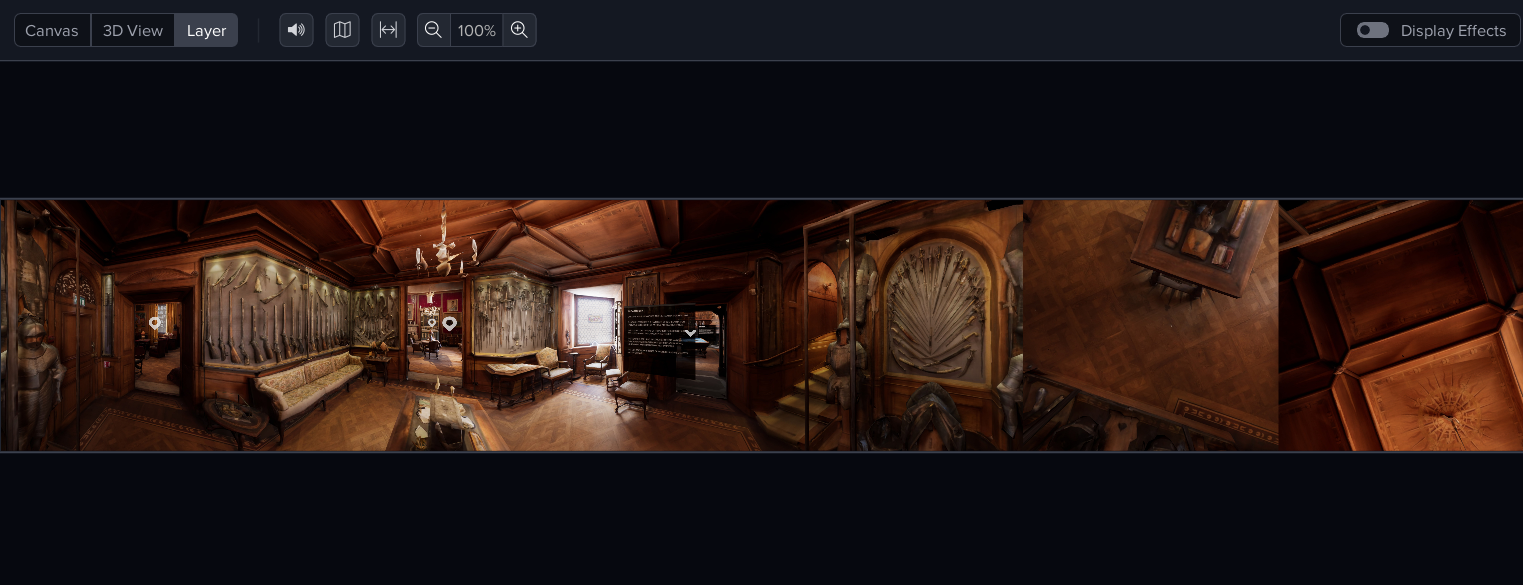
The panorama set can be navigated by clicking on the hotspots via the Igloo Control Panel (cast mouse) or in the Desktop UI via the Canvas or Layer view.
WebXR metadata keys
Here is a list of the metadata keys which you will need for this integration.
|
Key |
Default Value |
Description |
|---|---|---|
|
webxr |
|
Enables webxr integration. No value is required, just the metadata key. |
|
webxr/cubeFaceSize |
1000 |
Pixel size of each cubemap face. A value of 1000 will give a cubemap of 6000px x 1000px. |
|
webxr/emulatedControllerType |
aframe/oculus-touch |
Emulated controller to enable clicking of hotspots. |
|
|
|
|
I have an Issue!
For issues with the Twinmotion Cloud Panorama Sets integration, please contact myadvocate@igloovision.com or use the help desk. A ticket will be generated for you, and an appropriate member of our tech support team will contact you as soon as possible to assist you with your problem.