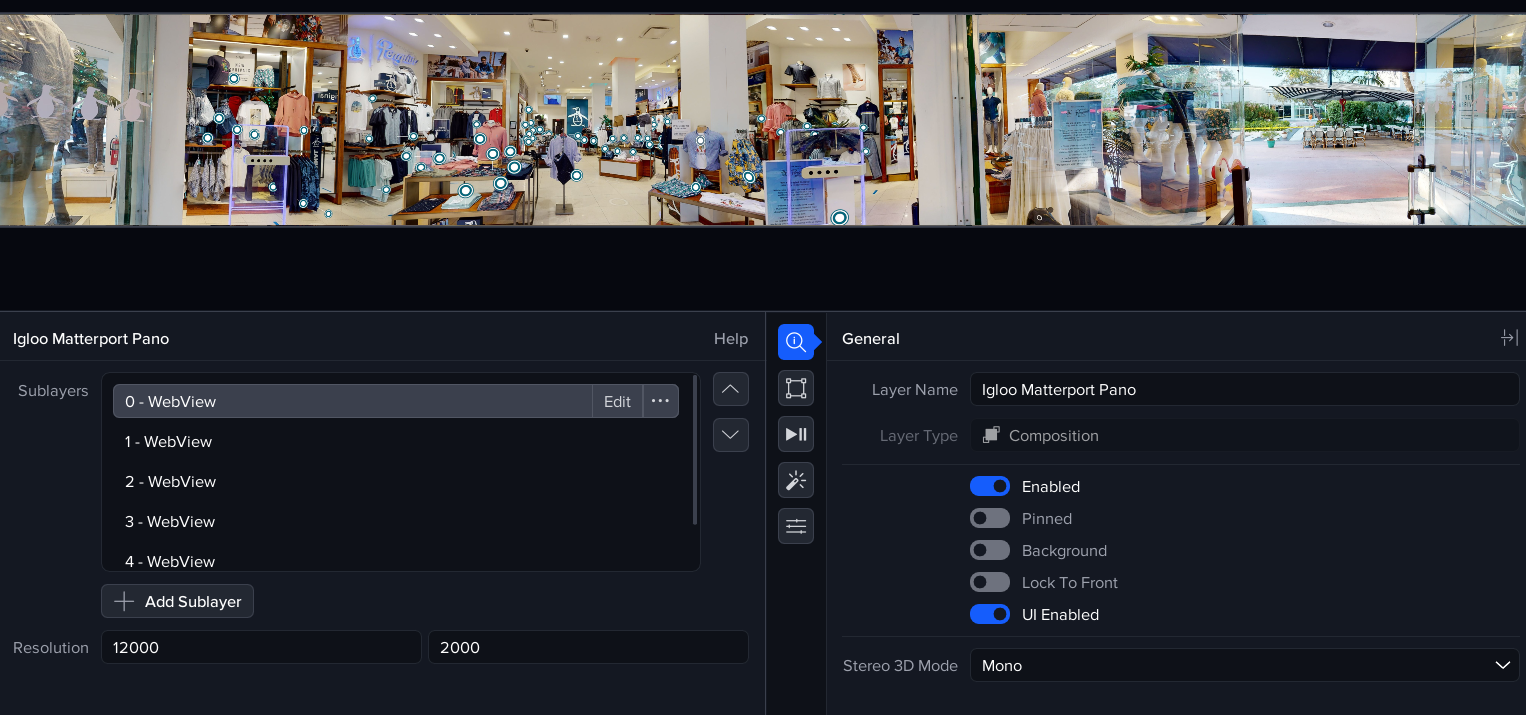
Using the Matterport API, we have developed an integration for viewing Matterport spaces in 360 degrees.
An annual license is required to run the Igloo Matterport Viewer. Please contact your Account Manager for more info.
Opening the Matterport Session
Press the Library button and type the first few letters of Matterport to find the Matterport session.
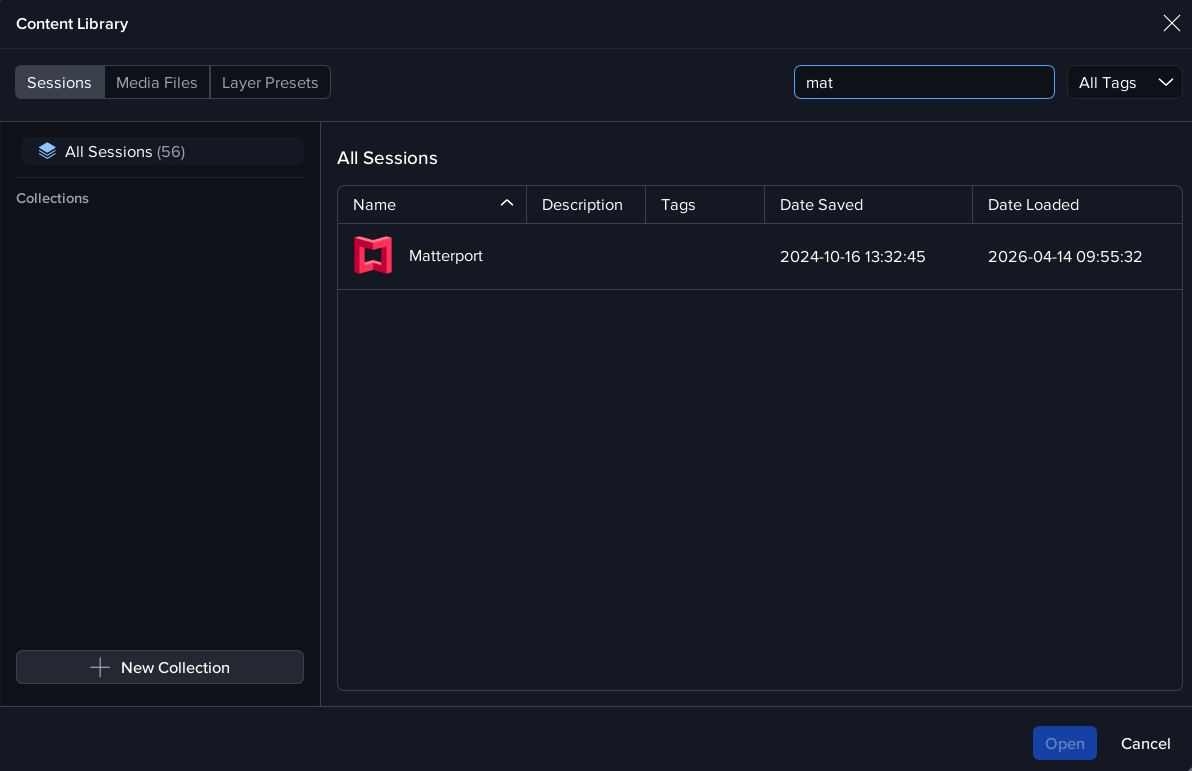
The session loads 2 layers: ‘Igloo Matterport Pano’ and ‘Igloo Matterport Control’.
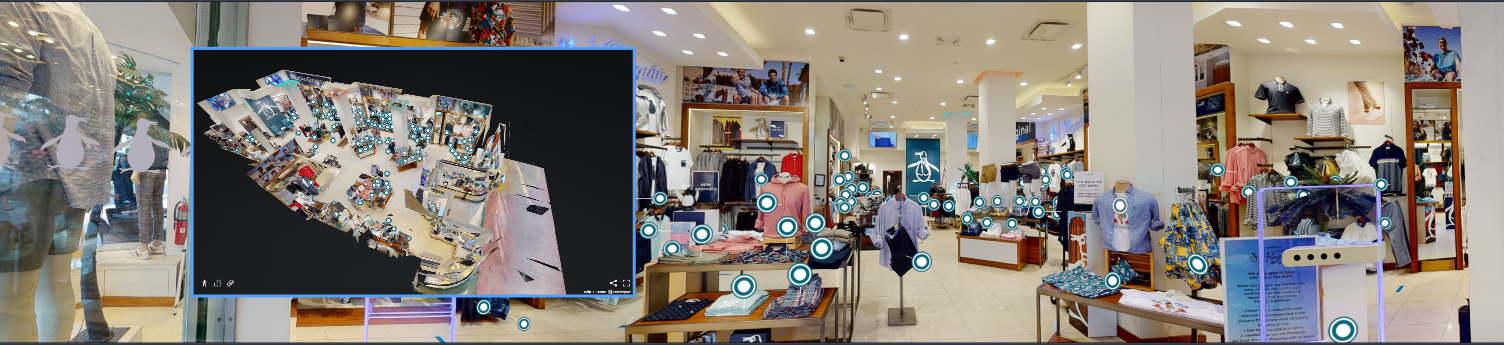
The Matterport pano layer displays the Matterport space in full 360 degrees. The control layer can be used to navigate to any location in the Matterport space and also to change to a different space.
Full details on using the Matterport app are here: Igloo Matterport Viewer
Matterport in Igloo Control Panel
The Apps page in Igloo Control Panel has a Matterport entry which provides a controller and navigation page. The url for this page is http://localhost:800/matterport/control. An orbitview is displayed in the upper half of the control page and floorplans can be generated in the lower section. Navigation can be made by clicking on the disc positions in either the floorplan or the orbitview.
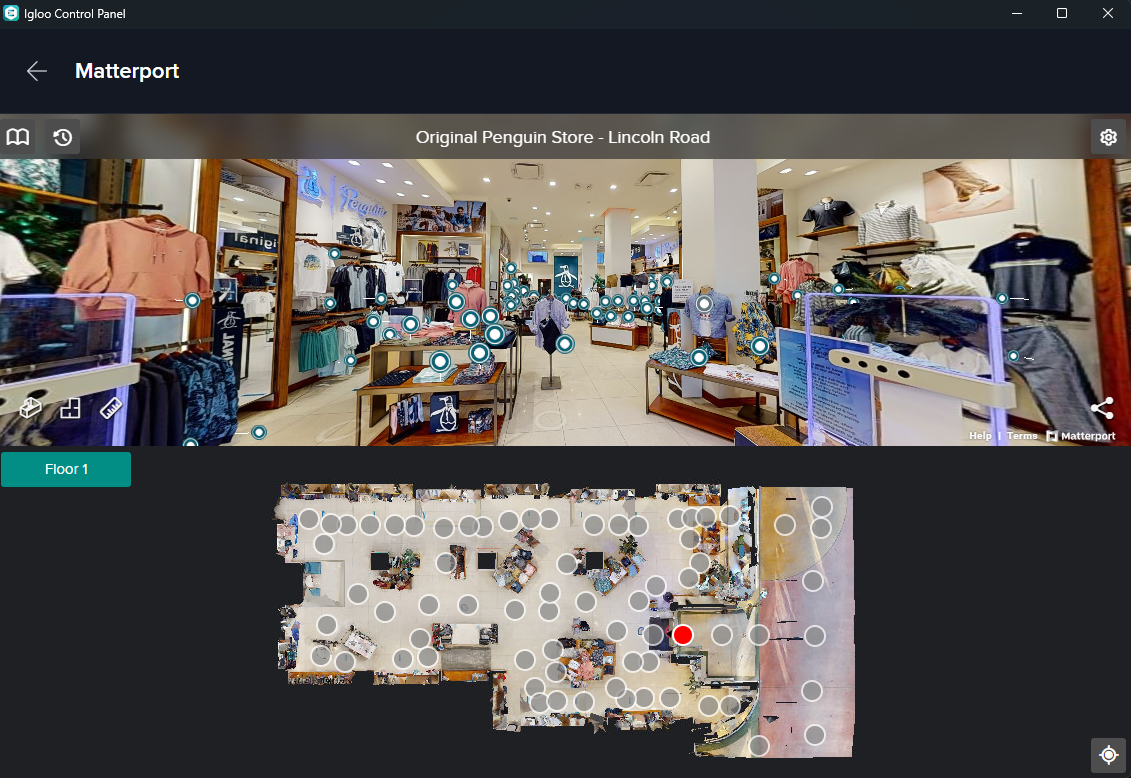
The Bookmark icon in the top-left of the control page can be used to access and manage a list of favourite Matterport spaces.
The Settings menu in the top-right of the control page has a Space ID field which can be used to jump to different Matterport spaces.
Contextual User Interface
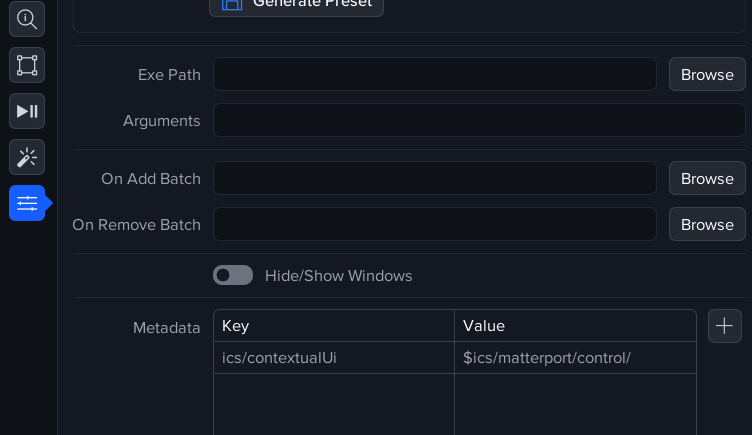
The Matterport control page can be shown automatically in the main Igloo Control Panel screen, for instance when a matterport-related layer is selected.
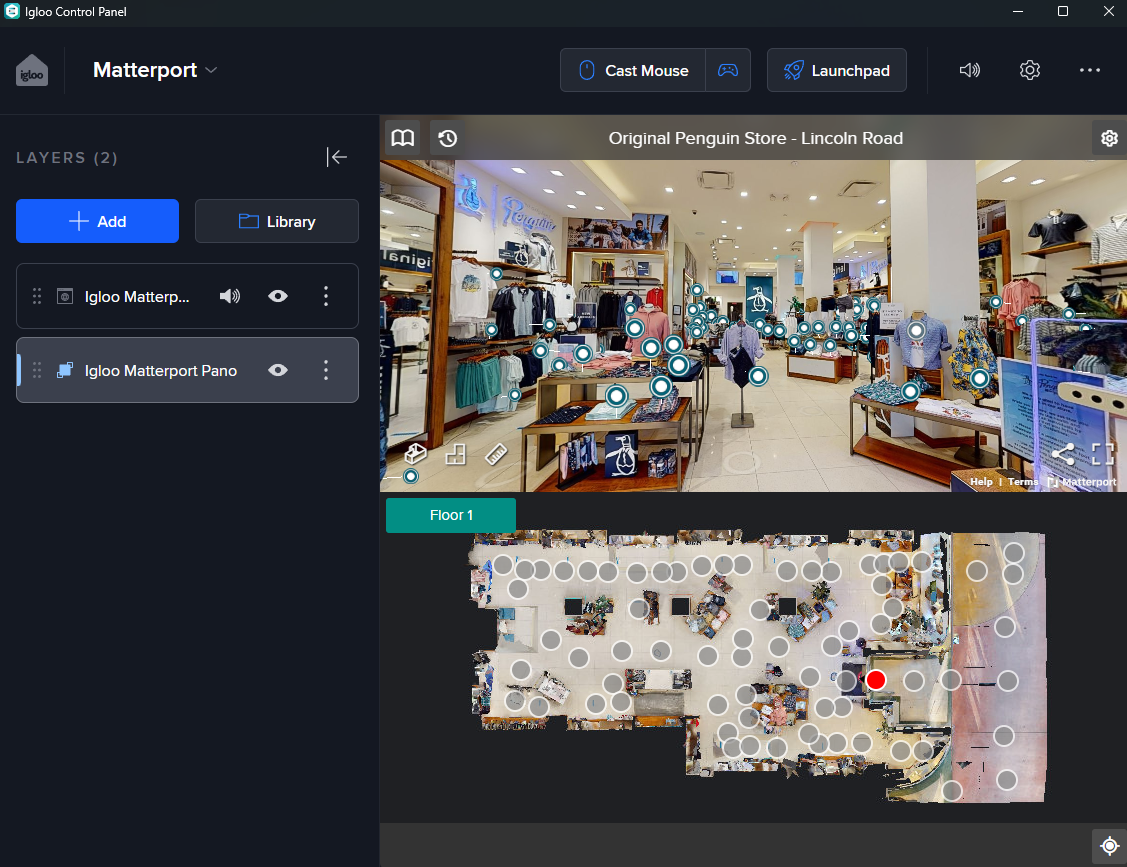
This is achieved by setting the metadata keys in the Igloo Matterport Pano and Igloo Matterport Control layers in the Matterport session. For more info, go to Metadata .
Endpoints
An additional endpoint is available to display the orbitview only, http://localhost:800/matterport/orbitview. This endpoint also allows the Matterport dollshouse mode to be viewed.
How it works - the Matterport Pano Layer properties
The pano layer is constructed as a cubemap with a layer type of Composition.
A Composition layer is a collection of multiple layers which are treated as a single layer. In the Matterport layer, the multiple layers consist of 6 WebViews, arranged to form a cubemap. In the Effects tab, the Cubemap to Equirectangular and True Perspective effects are both included.
No interaction is possible with any of the constituent layers which make up a composition.