
We have developed an integration with Google Street View for viewing street panoramas in 360 degrees.
An apikey is required for this integration, see Creating a Google Maps API key for Igloo Streetview
Opening the Streetview Session
The default IglooCoreEngine database contains a session called Streetview. Open this session using File > Open > Session. Typing the first few letters of Streetview will help you find the session in the Content Library.
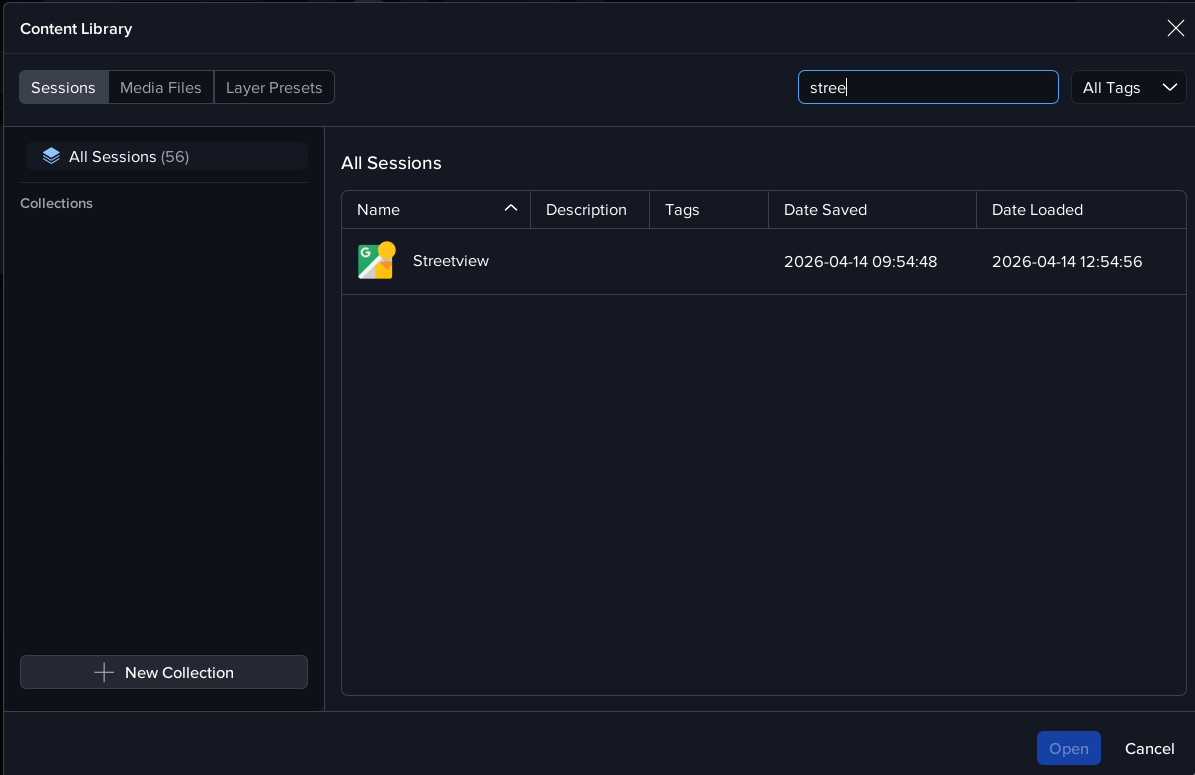
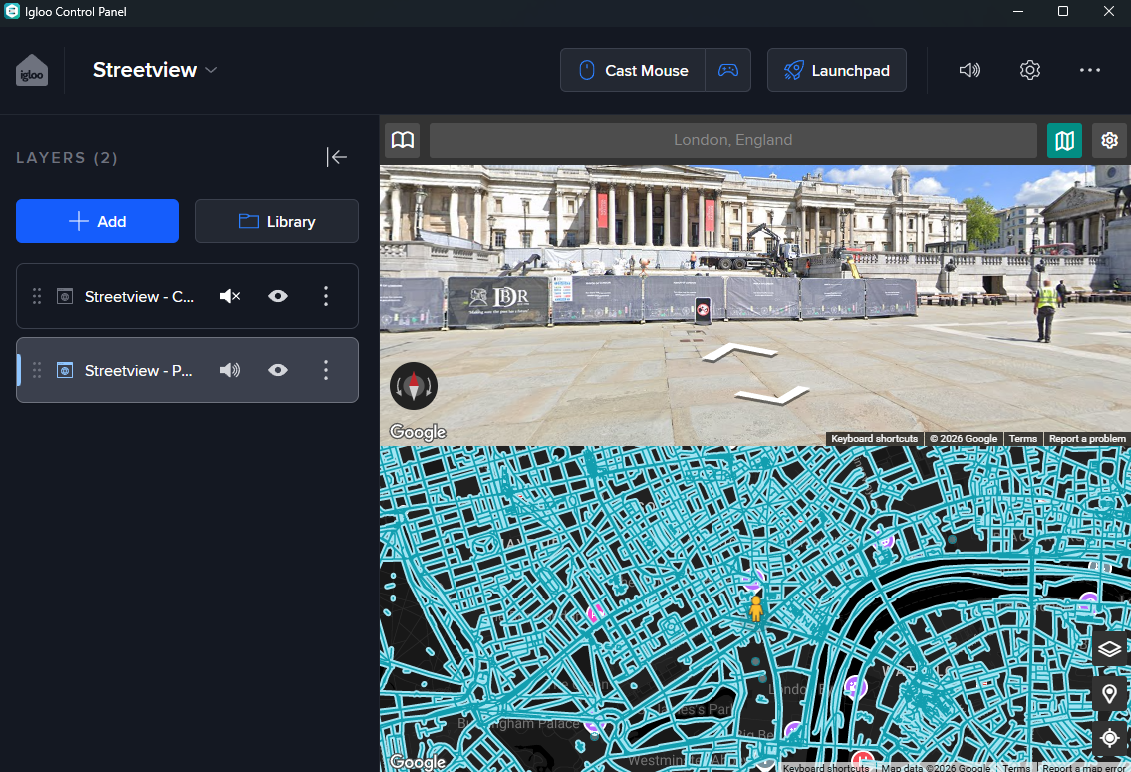
The session loads 2 layers: ‘Streetview - Pano’ and ‘Streetview - Control’.
The Streetview pano layer displays the streetview location in full 360 degrees. The control layer can be used to navigate to any streetview location.
Full details on using the Streetview app are here: Igloo Streetview
Streetview in Igloo Control Panel
Apps
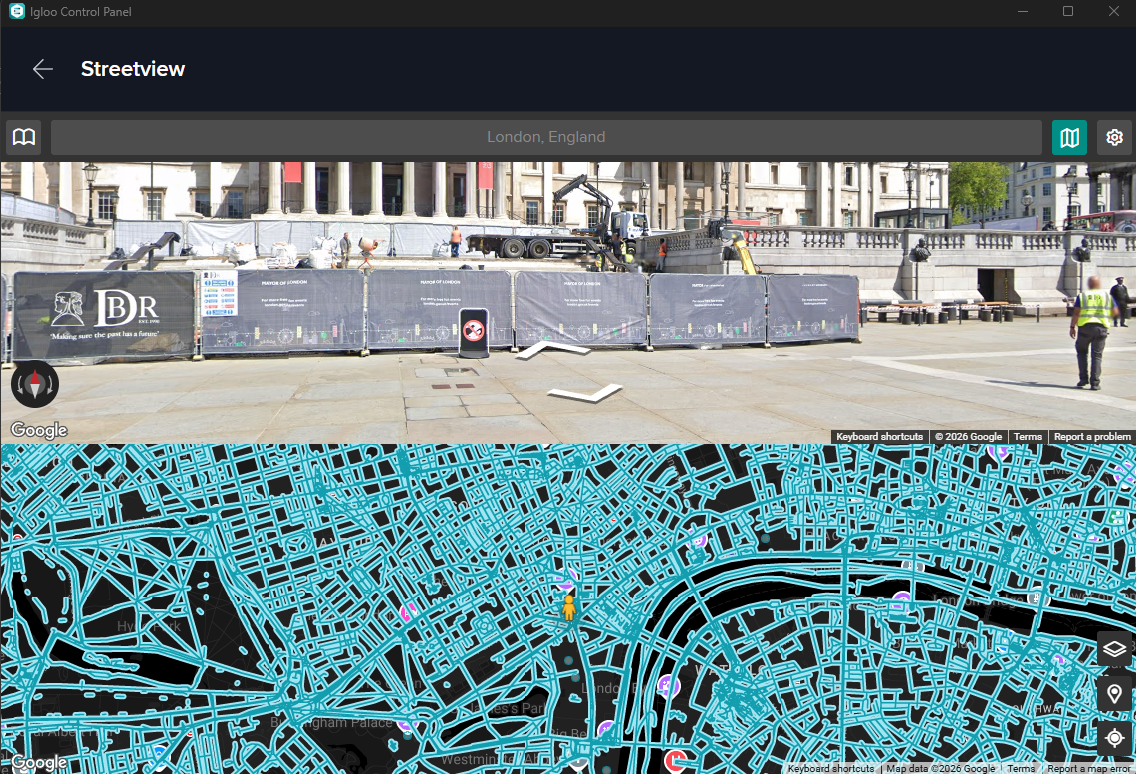
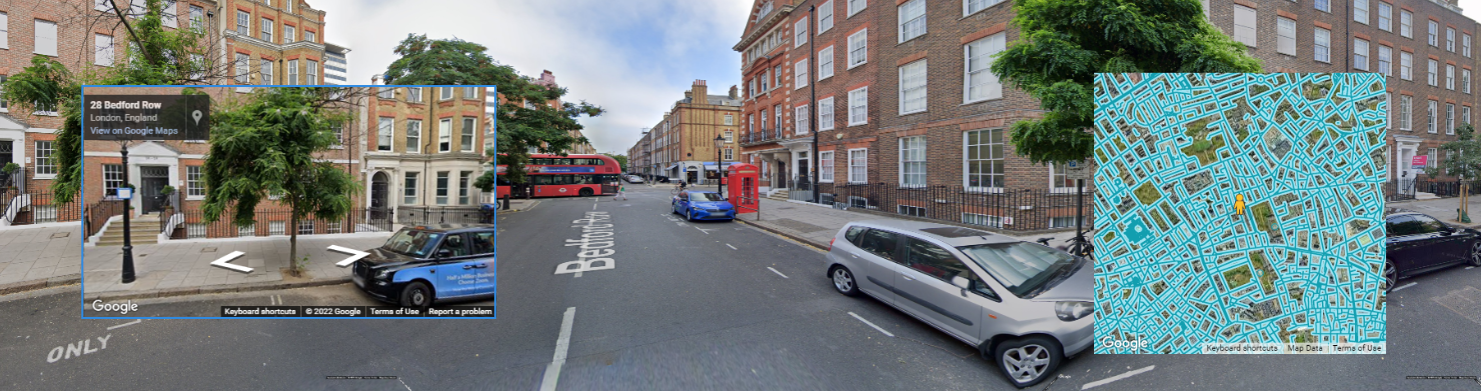
The Apps page in Igloo Control Panel has an icon called Streetview and this displays the control screen showing a map and an orbit view. Both the map and orbit view can be used to navigate by clicking the arrows in the top view or by clicking a new position on the map. You can also enter a location in the text input field above the orbit view. This will search for possible locations which can then be selected from the search results list.
Contextual User Interface
The Streetview control page can be shown automatically in the main Igloo Control Panel screen, for instance when a streetview-related layer is selected.
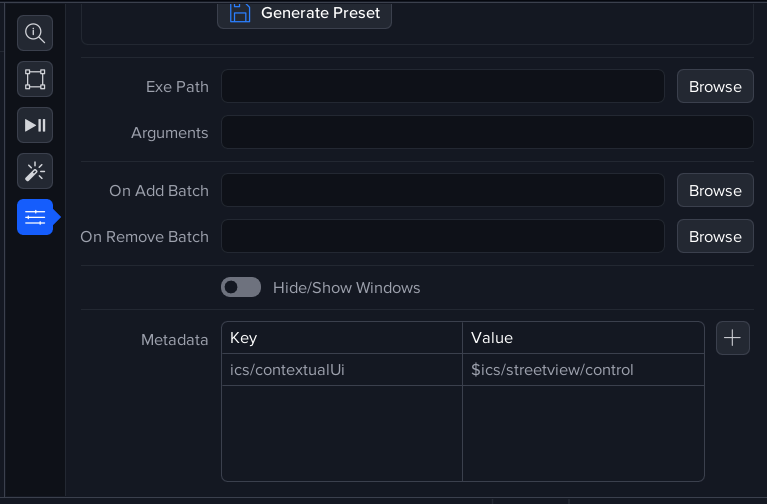
This is achieved by setting the metadata keys in the Streetview - Pano and Streetview - Control layers in the Streetview session. For more info, go to Metadata .
Endpoints
This control screen can be displayed as a layer on the Igloo Core Engine canvas. The URL is http://127.0.0.1:800/streetview/control
The other available endpoints are:
http://127.0.0.1:800/streetview/mapview - displays the streetview map with pegman
http://127.0.0.1:800/streetview/orbitview - displays the streetview panorama in a click-drag view
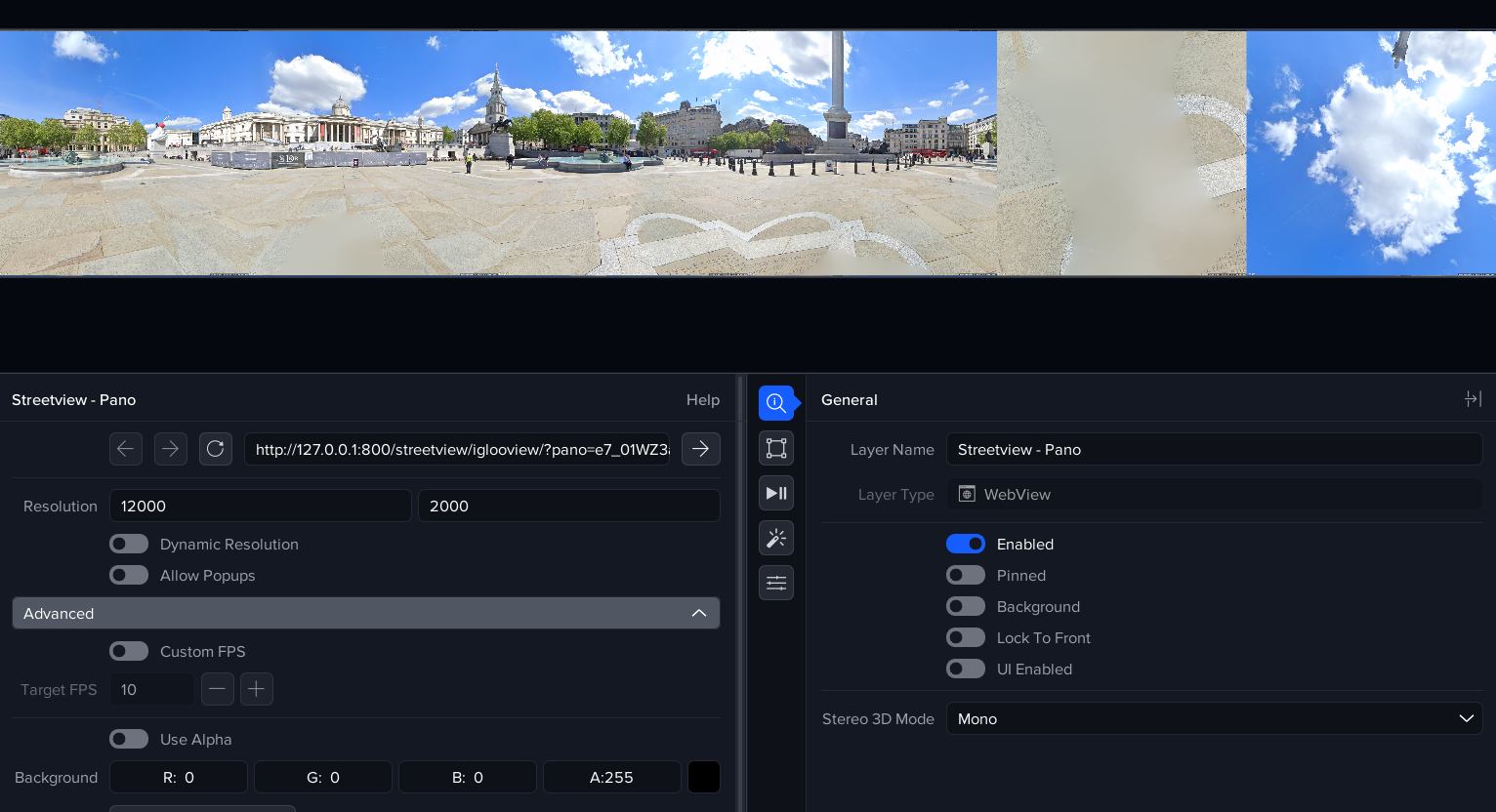
How it works: Streetview Pano Layer properties
The pano layer is displayed using a WebView with URL http://127.0.0.1:800/streetview/iglooview. This URL is an endpoint in the Igloo Core Service (which runs as a Windows service). The endpoint generates a cubemap which can be used to give a 360 degree image in the Igloo. The resolution of the WebView layer is 12000 x 2000 to give an 8K resolution image. The display does not change frequently so to improve performance we set the frames per second (FPS) to 10.
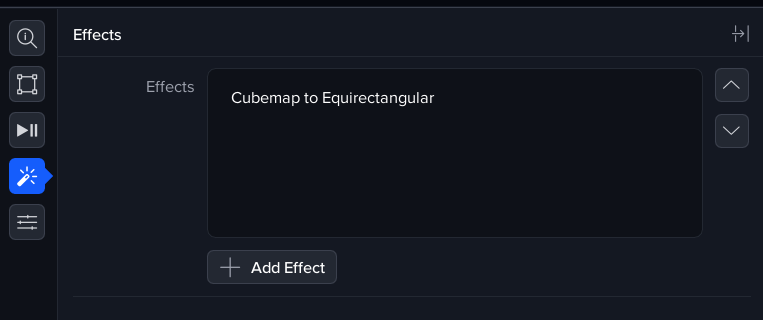
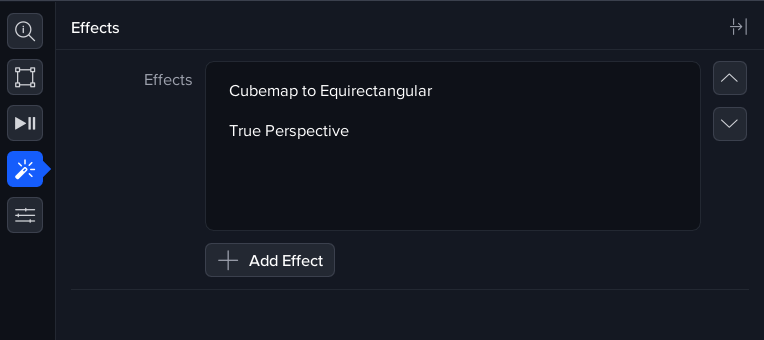
The pano layer also has 2 effects applied: Cubemap to Equirectangular and TruePerspective. The screenshots below show the effects being applied.
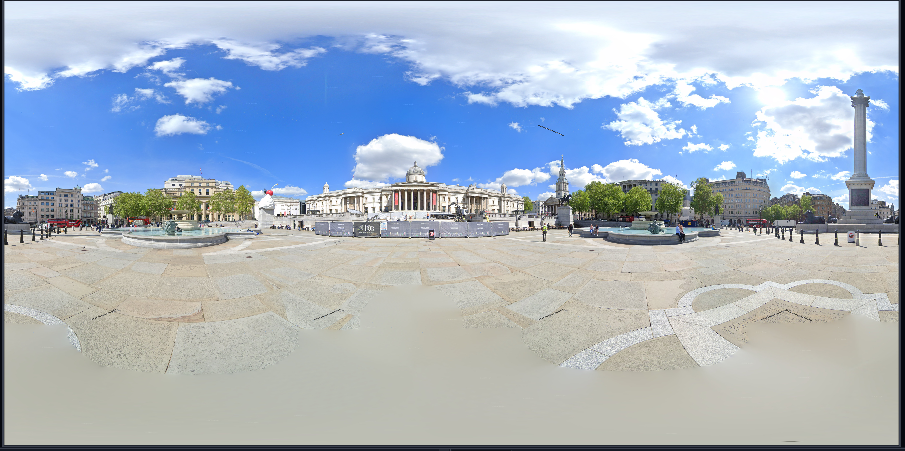

Next Section: Desktop UI - Using the Matterport App