
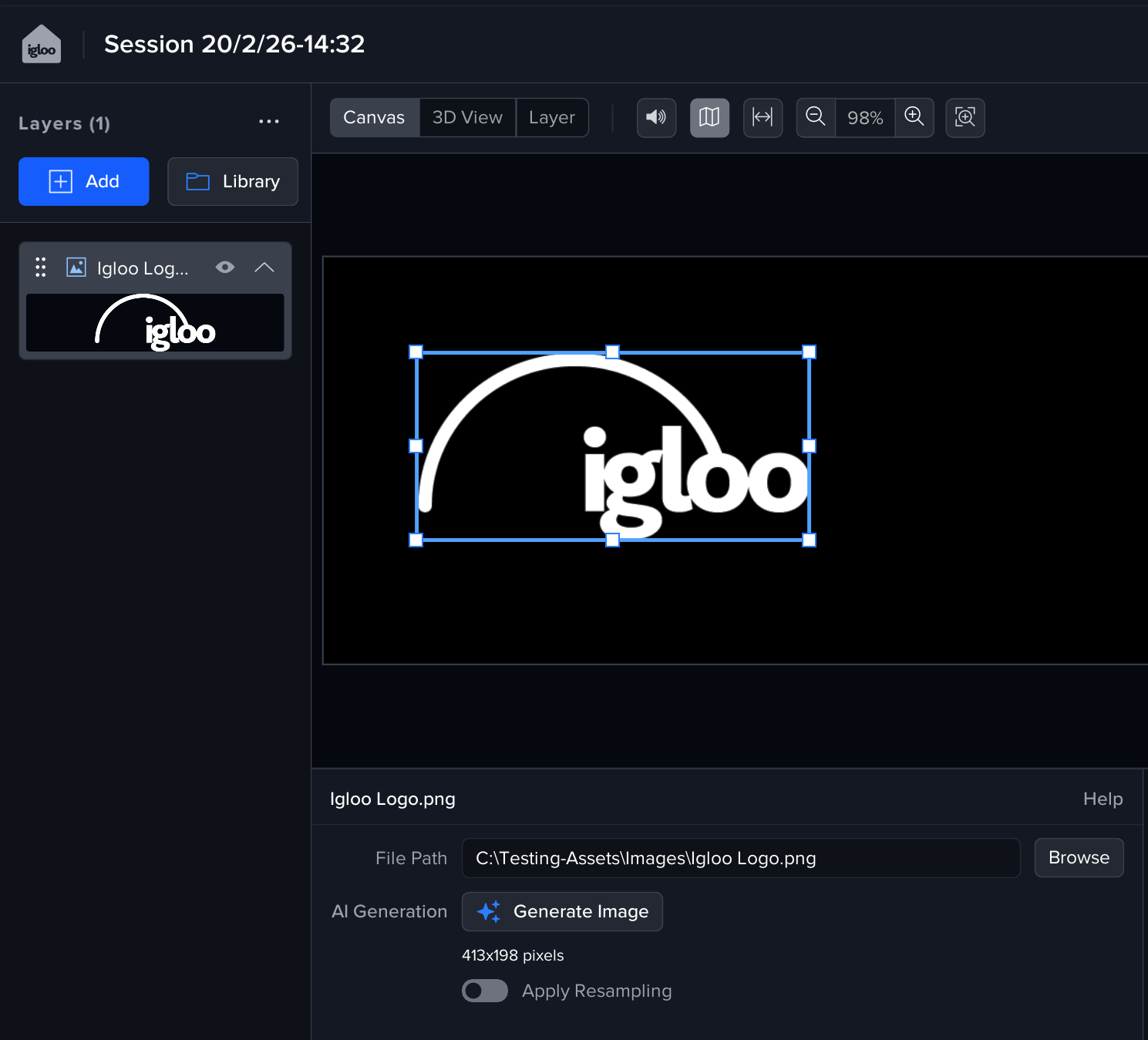
The Image layer supports the following image formats
-
JPEG
-
PNG
-
TIFF
-
BMP
File Path
Use the Browse button on the Layer settings panel to set the image file path.
AI Generation
You can use AI to generate images directly into the layer.
For more info see :https://360igloo.atlassian.net/wiki/pages/resumedraft.action?draftId=5163319300&draftShareId=fbb2d684-03b1-4269-8536-b42f9283209d
Apply Resampling
If enabled, the Image will be up- /down-sampled to match the resolution the layer is being drawn at on the Canvas. This can reduce aliasing when drawing a very large resolution image file on a small canvas or visa versa.
Enabling resampling on a large image can impact performance.
Images can also be dragged from Windows explorer directly into the Layer list panel
See Media Files - Igloo Core Engine Documentation for more info on managing media files in Igloo Core Engine