
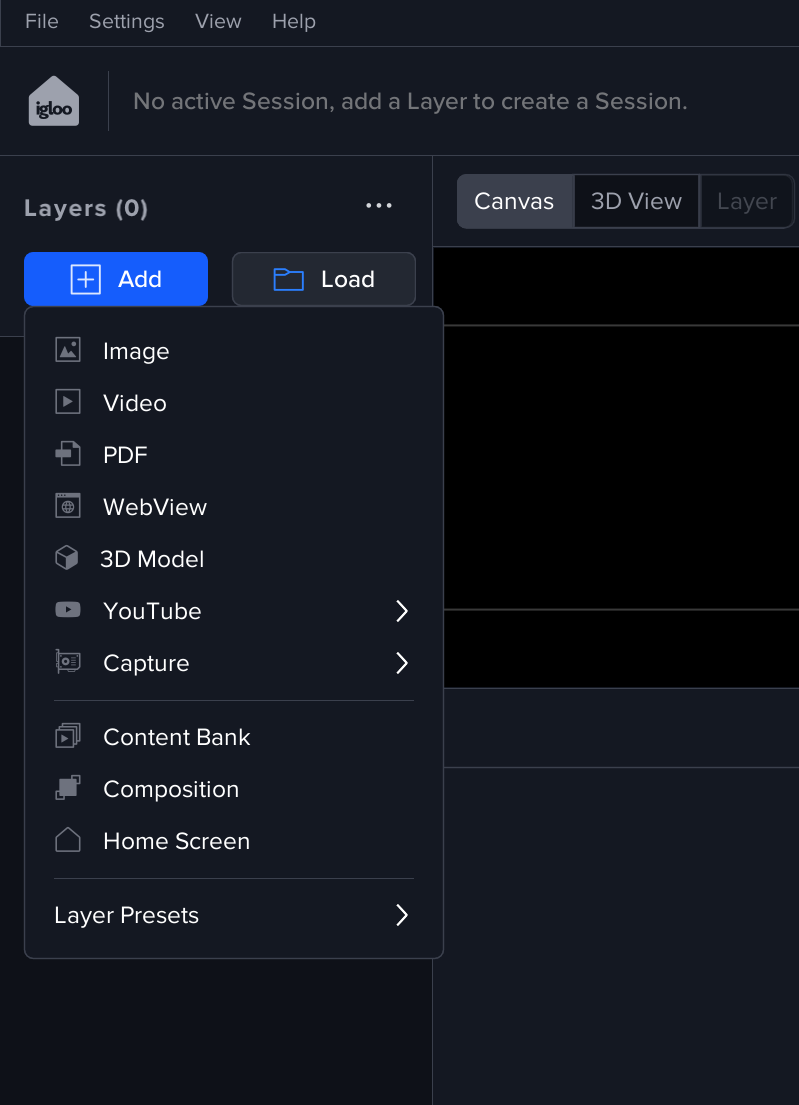
Layers are the building blocks of what you see on the Canvas. Each layer is a piece of content (for example an image, video, PDF, WebView, capture input, or 3D model) that you add and arrange.
Layers can be saved in two ways:
-
Workspace: saves the workspace setup, including pinned layers (and their settings).
-
Session: saves the current set of non-pinned layers (and their settings) as a reusable session you can load later into any workspace
They are available through the + Add button in the Layers toolbar.
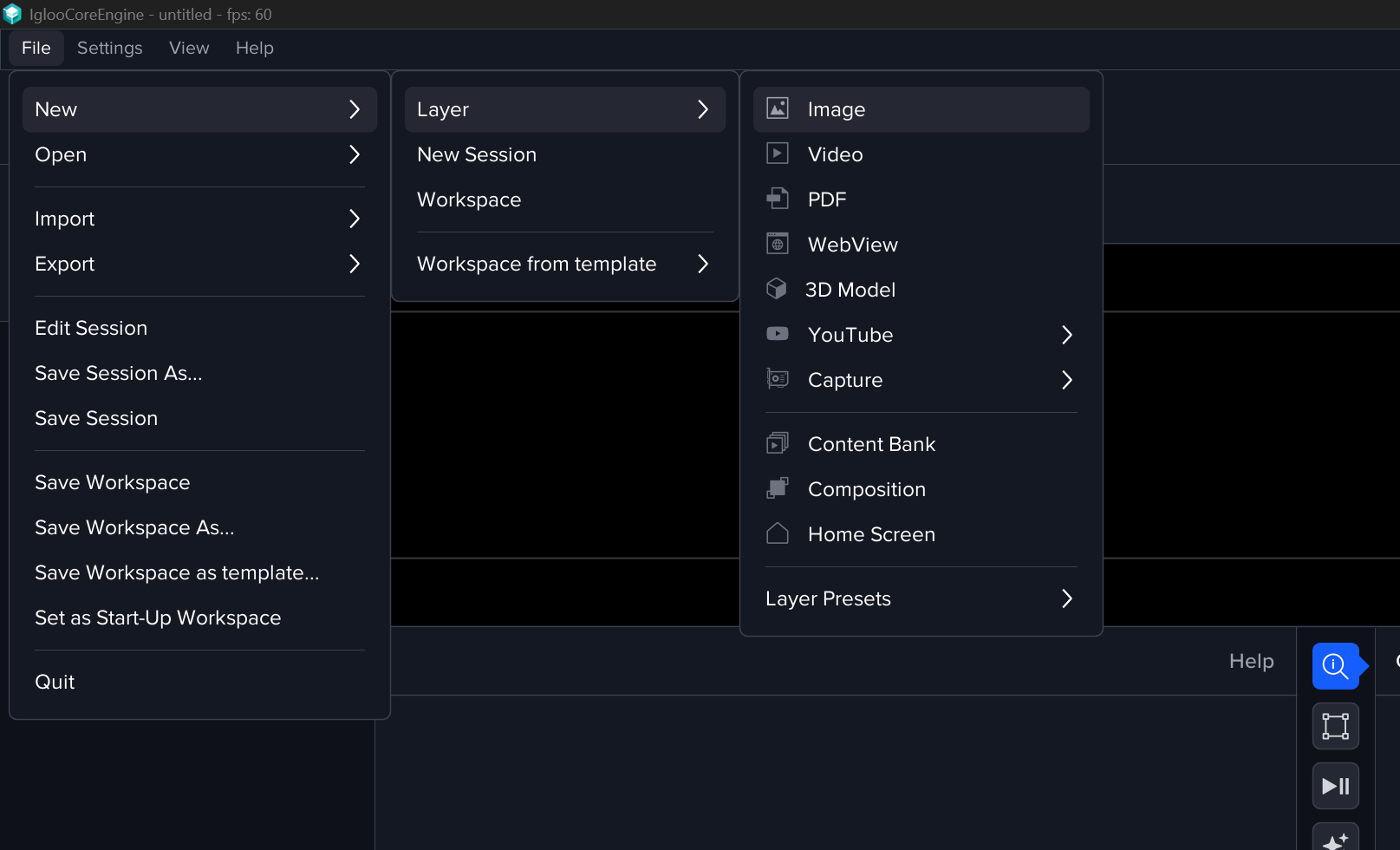
Also via File > New > Layer menu.
The following layer types are limited to 16k x 16k resolution
-
Webview
-
Spout
-
Youtube