
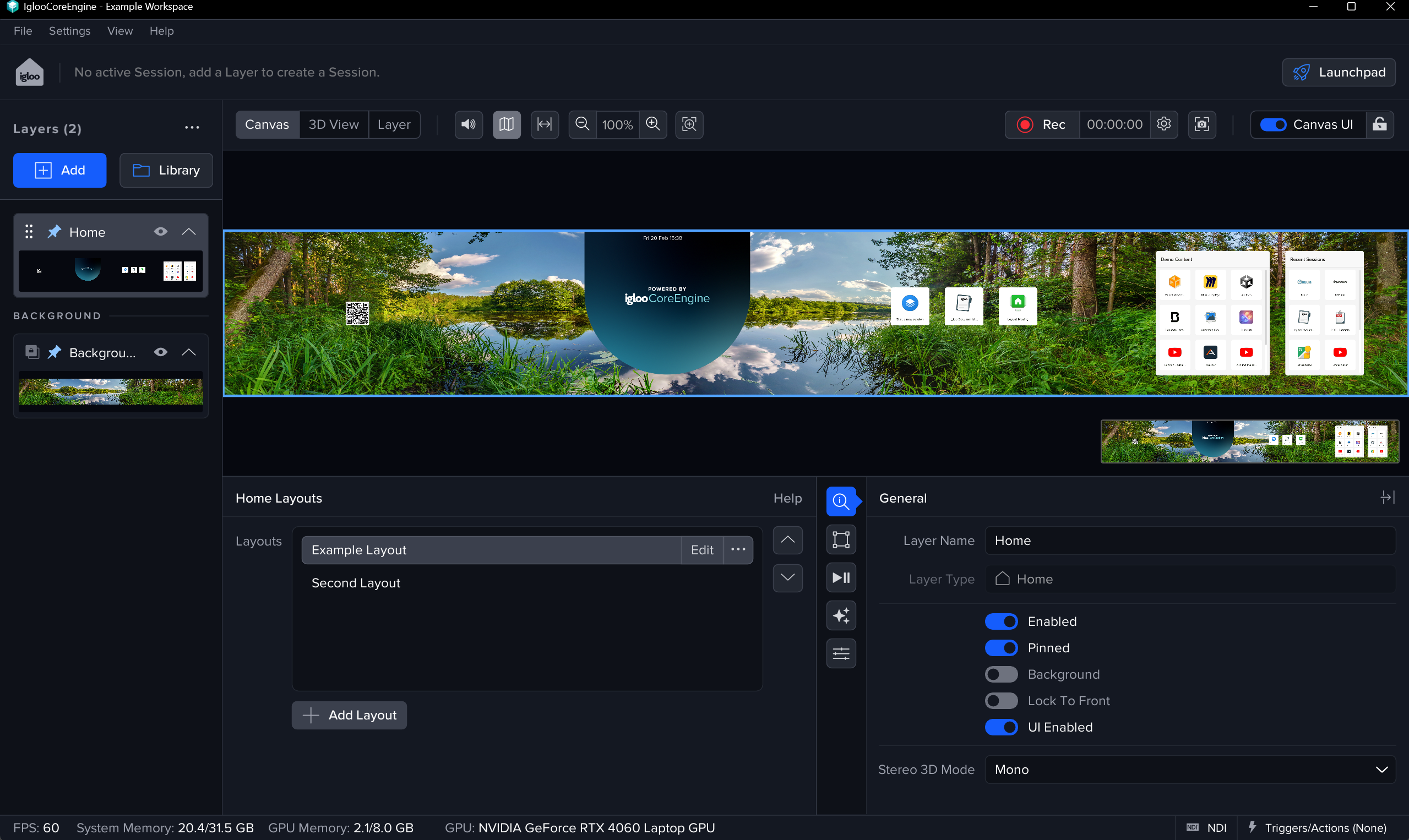
The Home layer is a configurable “start screen” for Igloo Core Engine. It’s typically used as a simple, touch-friendly interface for launching sessions and other actions.
Home Layouts
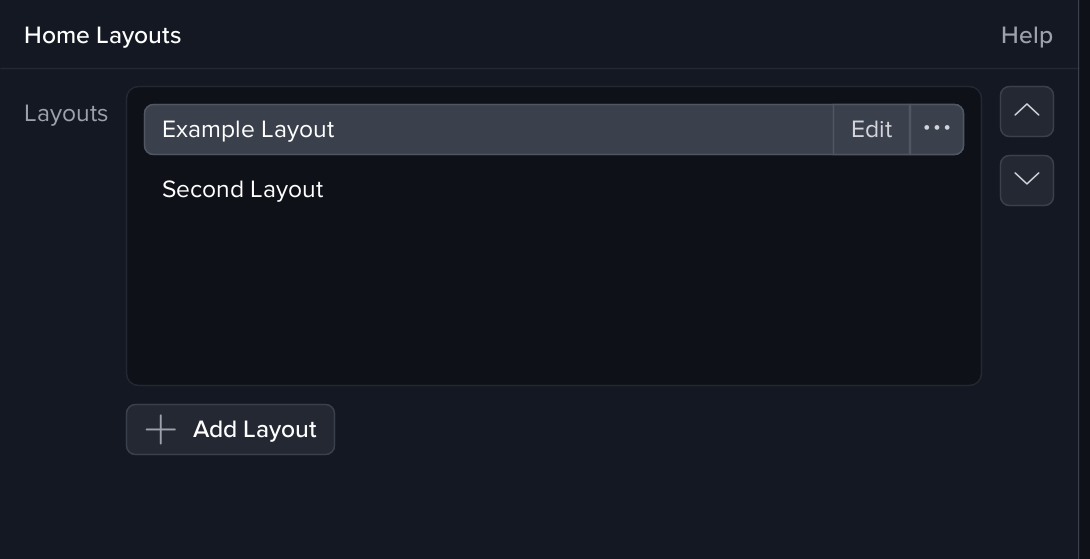
A Home layer can contain one or more layouts. Layouts let you create different home screens for different use cases (e.g. demos, content-specific setups, video conferencing etc), and switch between them instantly.
Home layout management is accessed via the layer properties panel, using the nested menus and breadcrumb to navigate:
-
From the layouts list you can select, add, duplicate, or remove layouts
-
Select a layout and choose Edit to configure it
-
Use the breadcrumb to navigate back to the layout list (or back up to the Home layer settings)
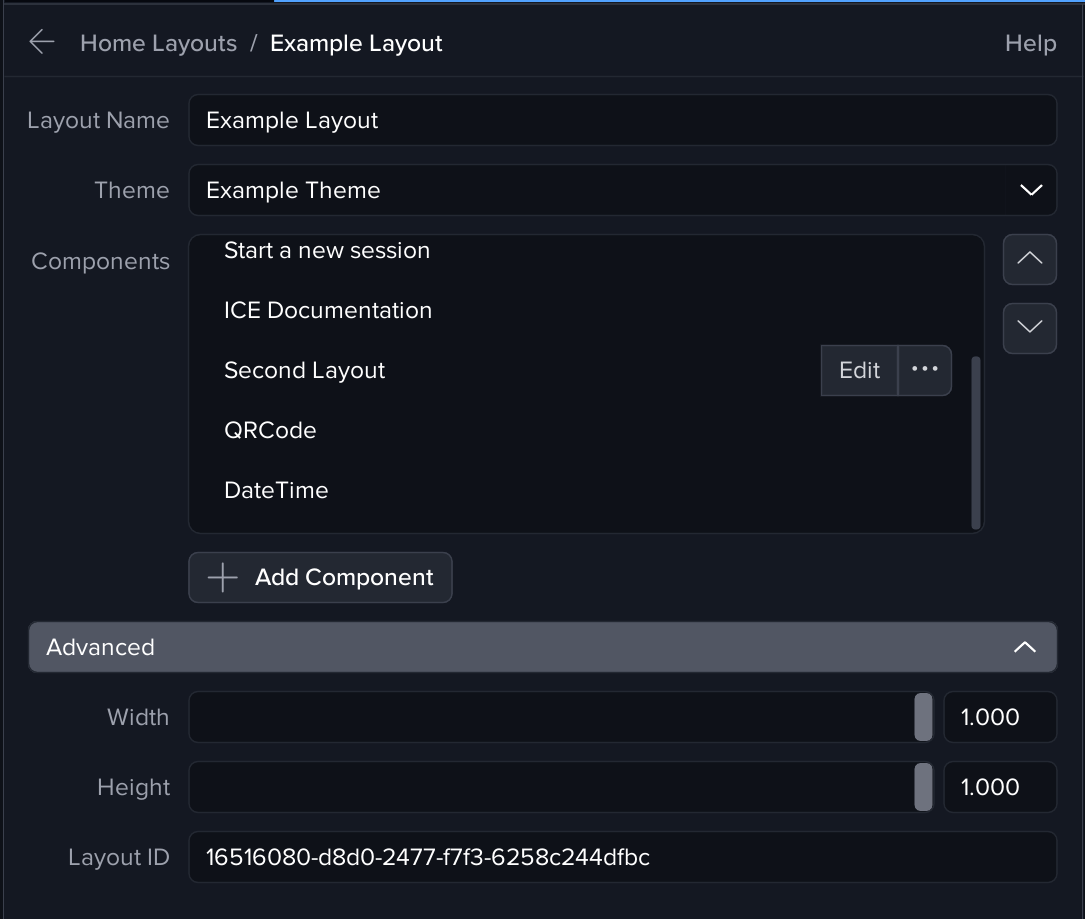
A Layout has the following properties
Name
Name of the layout
Width
The horizontal proportion of the Workspace Canvas the Home Layout will cover.
Height
The vertical proportion of the Workspace Canvas the Home Layout will cover.
Theme
Which Home theme the Layout will use, the theme determines various properties of the Layout such as the Background image, Tile sizes, fonts etc.
See Home Themes page for more details
Components
See Home Components page for more details
Tips
-
Use Duplicate when creating a new layout so you keep styling and structure consistent.
-
Keep a “default” layout that’s always safe to return to
-
Use 'Layout Tiles' to move between layouts via the Canvas UI