
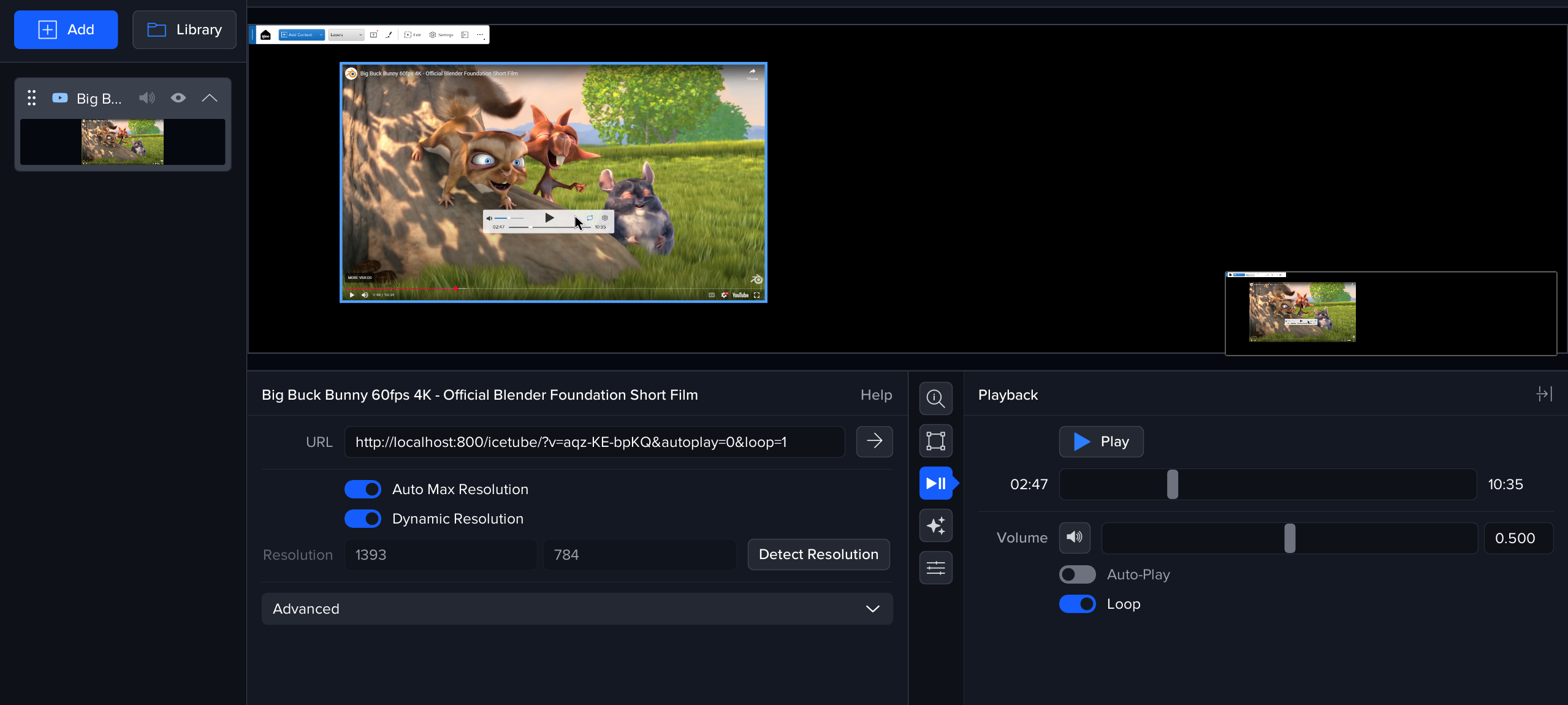
Use the Non-360 layer to play standard (flat) YouTube videos in a way that’s optimised for immersive display.
Why use this instead of a WebView?
The YouTube layer is designed for playback, not browsing. Compared to opening a YouTube link in a WebView, it:
-
Auto-fullscreens the player (better for presentations and venues)
-
Bypasses YouTube adverts in the built-in player experience
-
Displays a playback widget on the Canvas UI to control play/pause/playhead etc
(Behaviour may still depend on the specific video, region, and YouTube changes over time.)
360 links in Non-360 mode
You can also paste a 360 YouTube link while using the Non 360 layer if you want the traditional YouTube 360 viewer (inside the player) without using True Perspective / the equirectangular 360 preset workflow.
This can be useful when:
-
You want YouTube’s native 360 controls/behaviour
-
You don’t need (or don’t want) True Perspective handling on the Canvas